



Mix the Music you love
DJ with Spotify on iPhone, iPad


 Editor’s Choice
- 250M+ Downloads
- App of the Day
Library
Your Spotify library,
ready to mix.
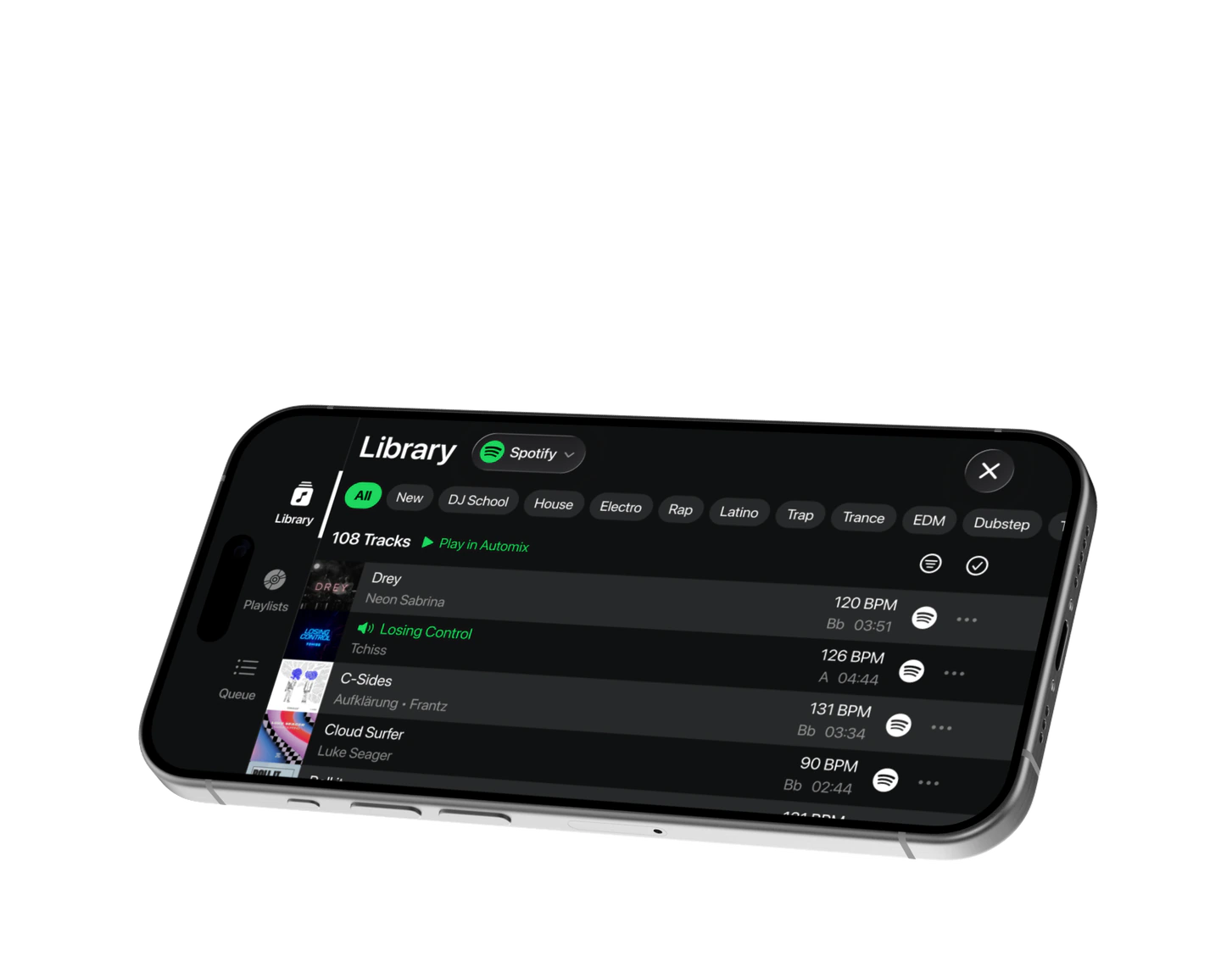
Link your Spotify Premium to access playlists, liked songs, and the full catalog in edjing's Library. Browse genres, check BPM and key, then load tracks or send playlists to Automix.




Automix
Pick a playlist.
Edjing does the rest.
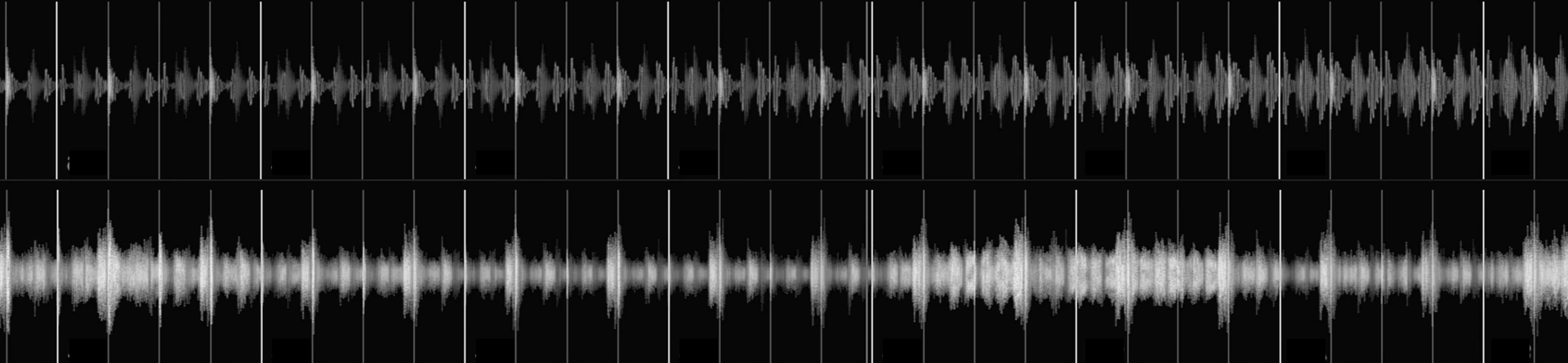
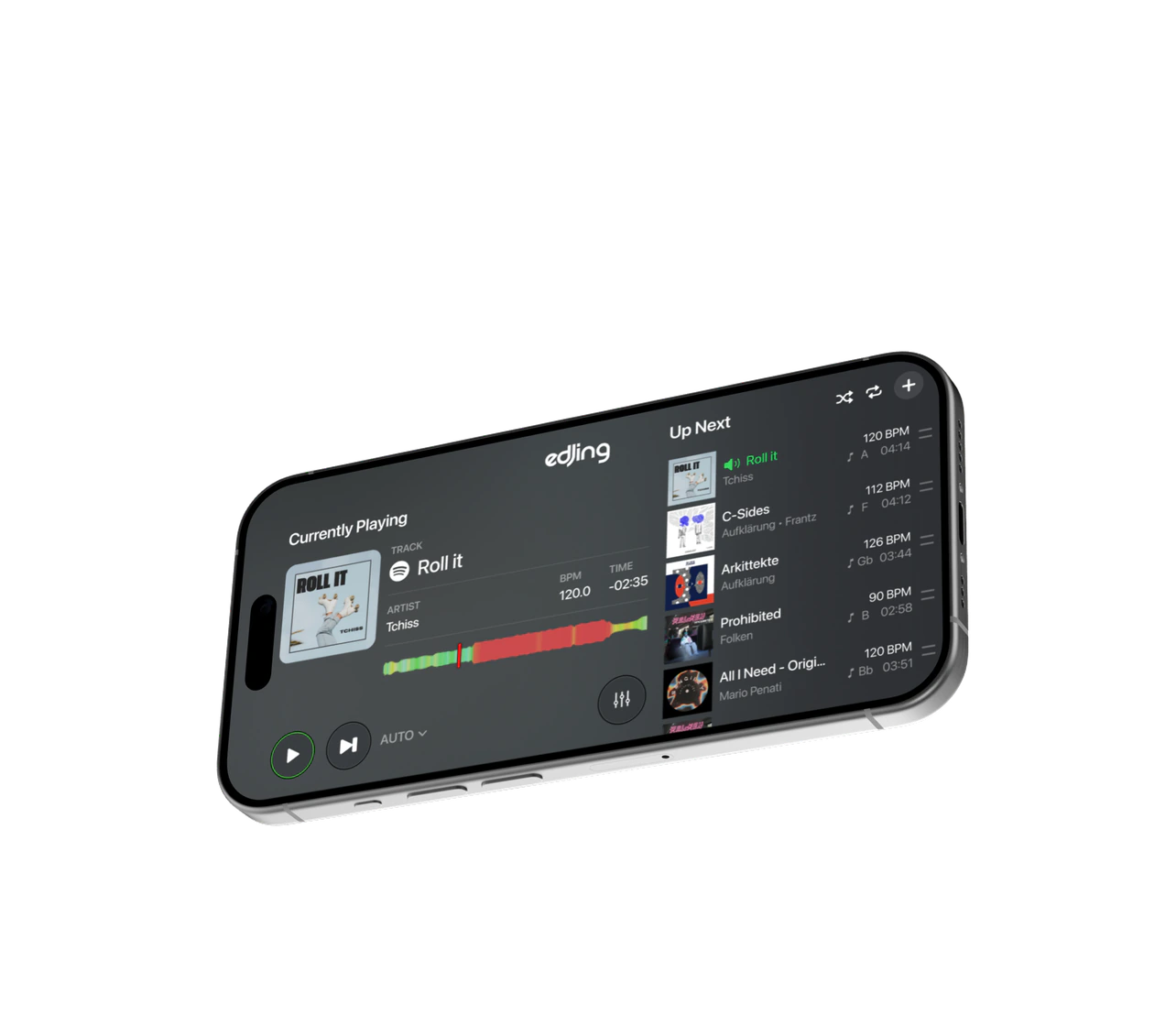
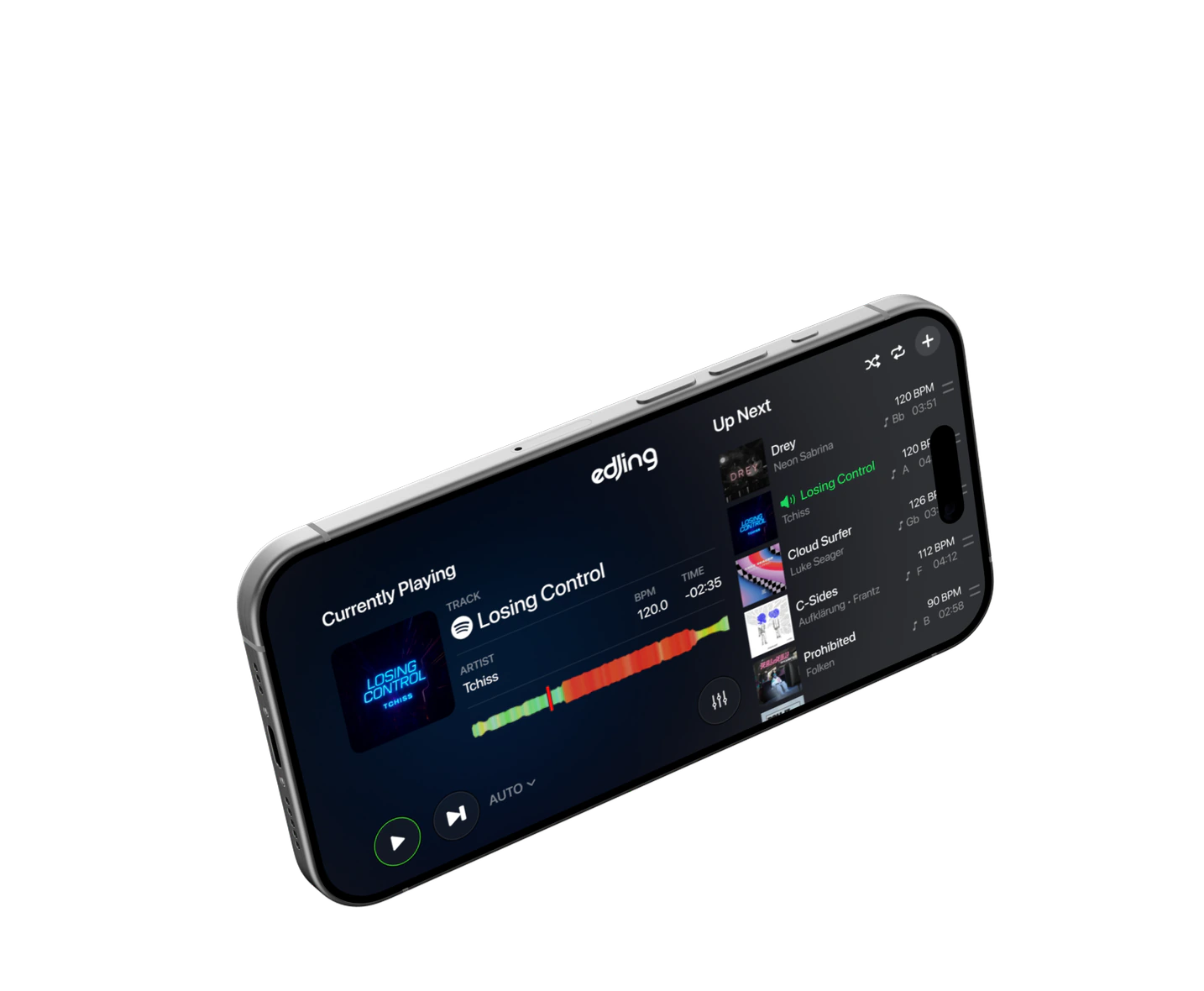
Select a Spotify playlist, and Automix will create seamless transitions between tracks. Your Up Next queue displays BPM and key for each song, ensuring the right track is ready when you want to take control.




DJ tools
Mix Spotify like any
other track.
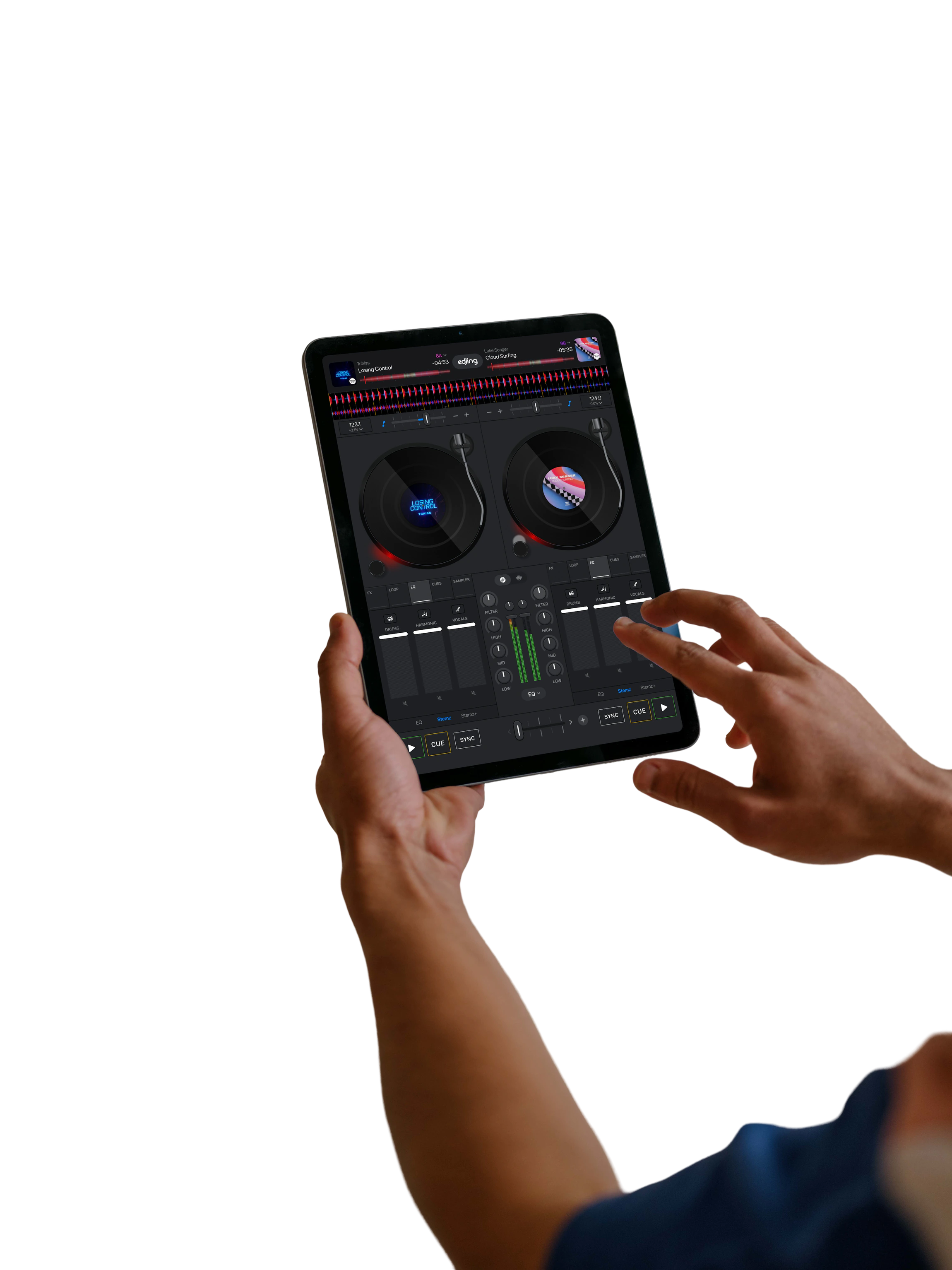
Load Spotify tracks and mix as usual: 3-band EQ, filters, loops, hot cues, FX, and sampler, with automatic BPM detection and one-tap Sync. On iPad, the two-deck layout provides space to work.
What’s inside
Main Features
 The full Spotify catalog, plus your playlists and liked songs, in one Library.
- Automix for continuous, beat-matched mixes of any Spotify playlist.
- Browse Spotify by genre and sort tracks by BPM and key.
- Automatic BPM detection and Sync for smooth transitions between tracks.
- A complete DJ toolkit: FX, loops, hot cues, sampler, 3-band EQ and filters.
- Four mix modes to match your level: Classic, Essential, Automix and 4 Decks.
- Pre-cueing to preview the next track in your headphones before it drops.
- Plug-and-play support for compatible MIDI controllers.
- Built-in DJ School lessons to learn the basics on tracks you already love.
FAQ
Spotify in Edjing
 What is the Spotify integration?
edjing Mix now lets Spotify Premium subscribers browse and mix music directly from Spotify: your own playlists, Spotify’s editorial selections, and a catalog of more than 100 million tracks. Search a title, load it on a deck, and mix. The integration is for personal, non-commercial use.
What do I need?
- The latest version of edjing Mix on iOS or Android
- An active Spotify Premium subscription (FREE accounts are not supported)
- An internet connection while mixing with Spotify tracks
How do I connect my Spotify account?
- Update edjing Mix.
- Open the music library and select Spotify.
- Log in with your Spotify Premium account and authorize edjing Mix.
Your playlists appear immediately.
Is it available on Android?
Yes. The Spotify integration is available on both iOS and Android.
What about edjing Mix v9?
edjing Mix v9, the redesigned app with end-to-end Automix and controller support, is available on iPhone and iPad.
Can I record or export a mix that includes Spotify tracks?
No. Recording or exporting a mix that includes Spotify tracks is not possible, in line with Spotify’s terms.
Can I use stem separation with Spotify tracks?
No. Stem separation is not allowed with Spotify tracks, in line with Spotify’s terms.
Can I use the Spotify integration for gigs, events or commercial purposes?
No. The Spotify integration is for personal, non-commercial use only, in line with Spotify’s terms.
Does it work with my DJ controller?
Yes. Spotify tracks work like any other track in edjing Mix, including with supported MIDI controllers (Pioneer DJ, AlphaTheta, Hercules, Numark, Reloop).
Troubleshooting
- Spotify does not appear in my library → update the app, then restart it.
- Login fails → check that your subscription is Premium and active, then try again.
- A track will not load → check your connection; some tracks may be unavailable in your region.
Still need help?
Contact us through the in-app support.