Cloud storage

Dropbox
Connect Dropbox to load your stored audio files directly into the decks.



Features · Music sources
Mix tracks from Spotify, SoundCloud, TIDAL, Beatport, cloud storage and your device. Music sources are included in the free app; service account and subscription requirements apply.
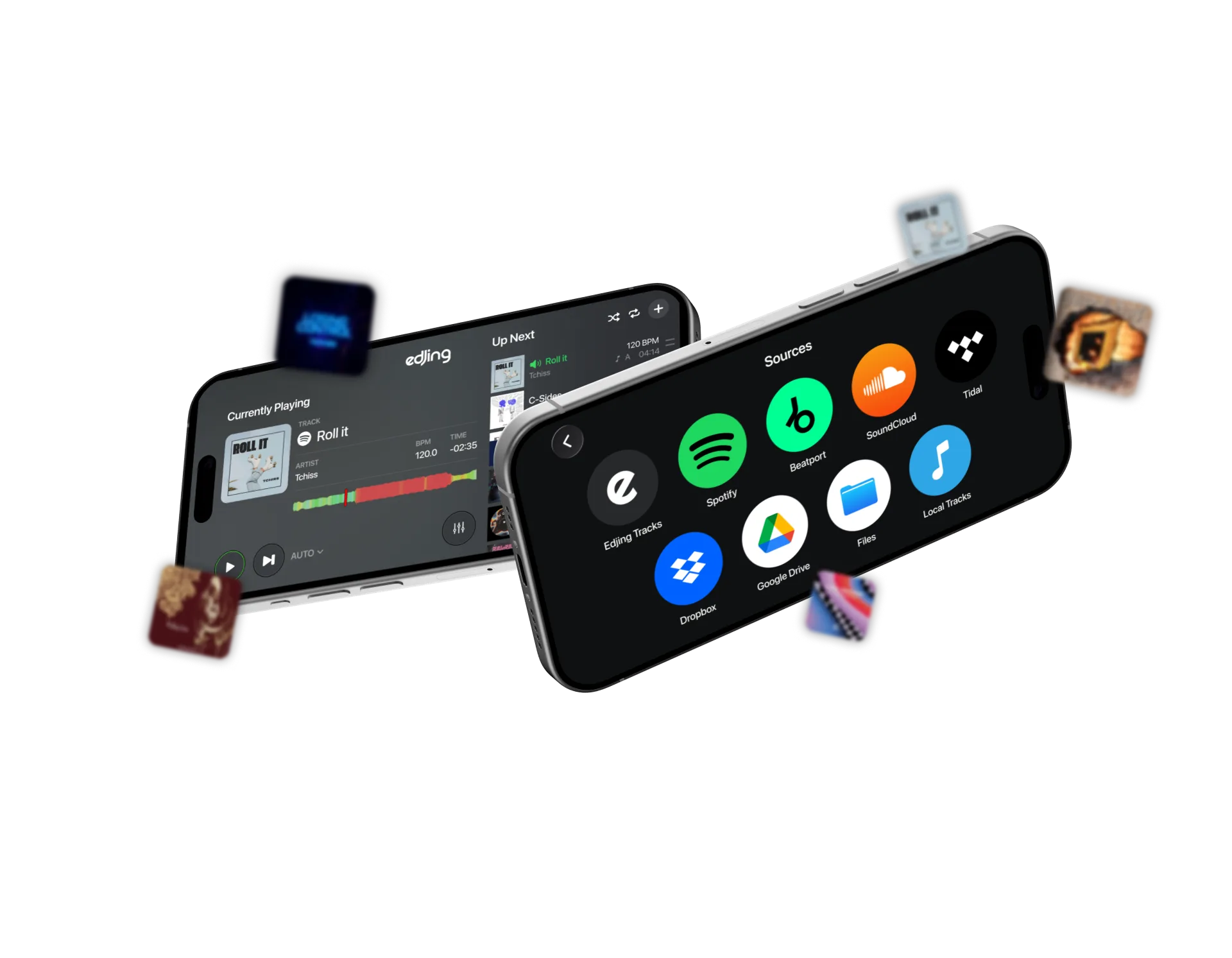

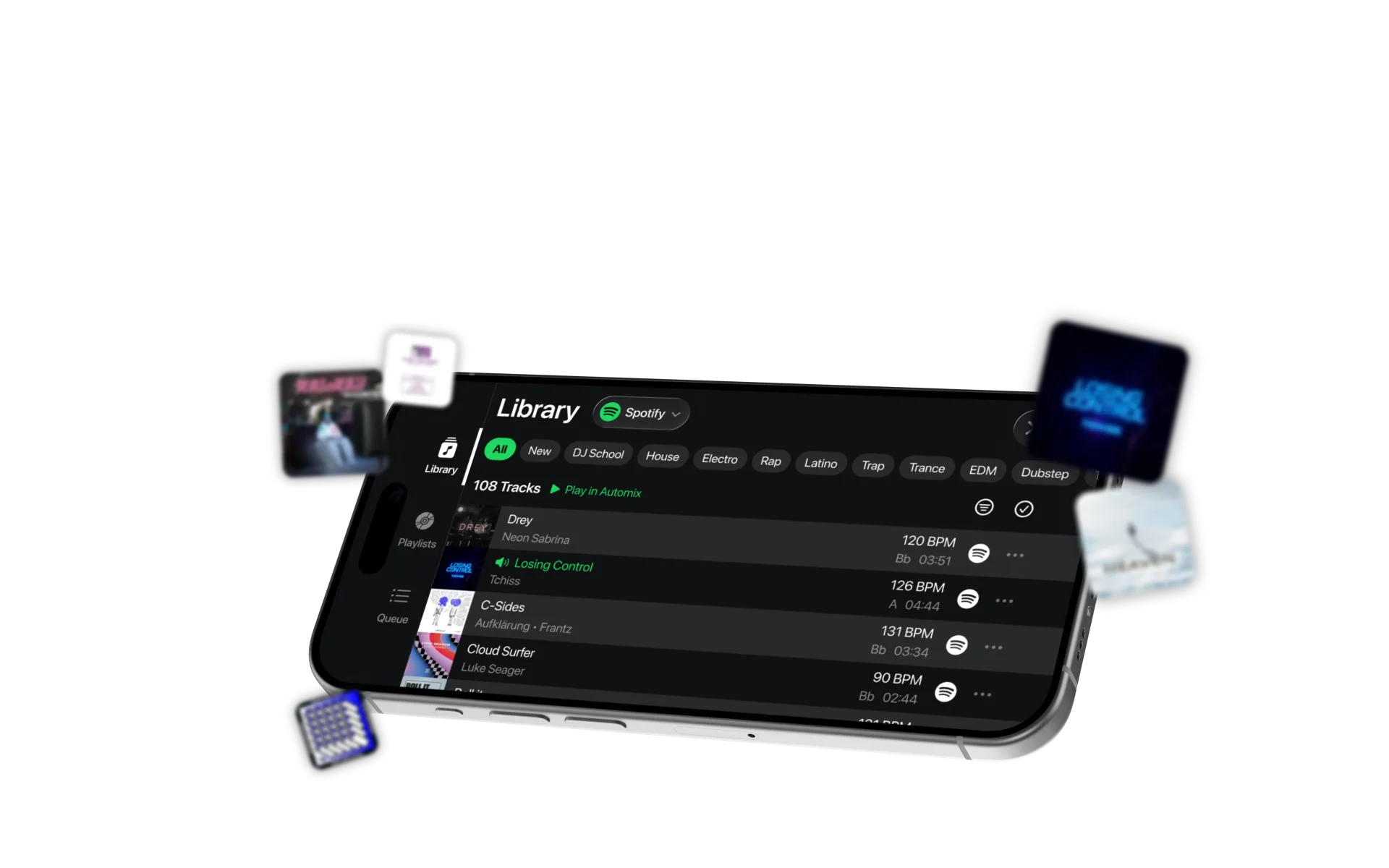
Access playlists, Liked Songs and the Spotify catalog with Spotify Premium. Mix on the decks, use Automix and manage playlists in edjing Mix. Spotify tracks cannot be recorded, separated into stems or used commercially.

Connect SoundCloud Go+ to browse and mix its catalog. edjing integrated SoundCloud in April 2013.

Connect your TIDAL account to browse and mix its catalog and your playlists inside edjing Mix.

Browse and mix Beatport’s electronic music catalog through your Beatport account.
Cloud storage
Connect Dropbox to load your stored audio files directly into the decks.
Cloud storage

Connect Google Drive to access and mix your stored audio files.
On your device
Load supported, unprotected audio files, including purchased tracks and your own productions. Use Files on iPhone or your device’s audio storage on Android.
| Source | What you need | What you can do | iPhone | Android |
|---|---|---|---|---|
| Local files | Songs stored on the device, not DRM-protected | Load, mix, loop, record, Stemz | Yes | Yes |
| Edjing Tracks | Nothing | Royalty-free tracks to practise with | Yes | Yes |
| Spotify | Spotify Premium account | Playlists, Liked Songs, full catalog, full-length tracks on both decks, manage playlists in the app | Yes | Yes |
| SoundCloud | SoundCloud Go+ account | Browse and mix the SoundCloud catalog | Yes | Yes |
| TIDAL | TIDAL account | Browse and mix the TIDAL catalog and your playlists | Yes | Yes |
| Beatport | Beatport account | Browse and mix the Beatport catalog | Yes | Yes |
| Dropbox | Dropbox account | Your own audio files stored in Dropbox | Yes | Yes |
| Google Drive | Google account | Your own audio files stored in Google Drive | Yes | Yes |
| Apple Music | Not available at the moment. | |||
No music source requires a paid edjing Mix subscription. Feature availability may vary by country. Streaming sources require an internet connection.
Questions & answers
edjing Mix is free, and no paid edjing Mix subscription is needed for any music source. You do need a Spotify Premium account: it is Spotify’s requirement for playback in third-party apps.
No. Every source, local or streaming, is available in the free app. Pro features are offered separately from access to music sources.
Apple Music streaming is not currently available. Use Spotify, SoundCloud, TIDAL or Beatport, or load audio files from your device, Dropbox or Google Drive.
Yes. Load a Spotify track on one deck and a supported local file on the other. Spotify restrictions still apply.
Not with Spotify: recording, export and stem separation are not allowed with Spotify tracks, in line with Spotify’s terms. Recording works with your own files.