
Music mixer app
Your first mix starts here.
Mix your favorite songs on your phone. Start with Sync and the crossfader, then explore effects, loops and DJ School at your own pace.


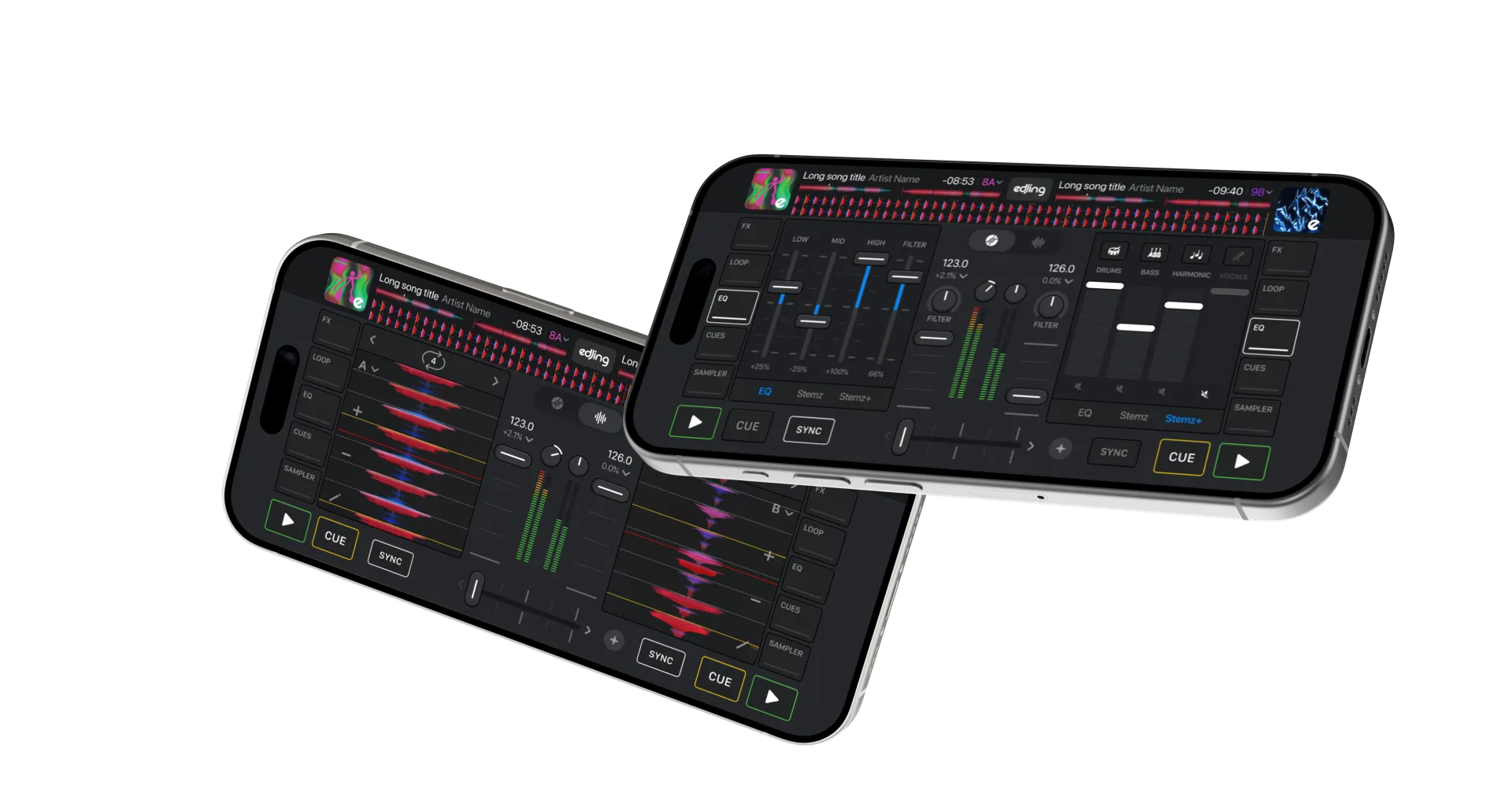
Make your first transition
Choose two songs
Choose supported tracks from your device or a connected music service. Load one onto each deck; service account requirements apply.
Tap Sync
edjing Mix matches the tempo of your two songs, so you can focus on listening and choosing when to make your transition.
Blend with the crossfader
Move the crossfader towards the second deck to introduce it, then complete the handover.
From practice to performance
Parties
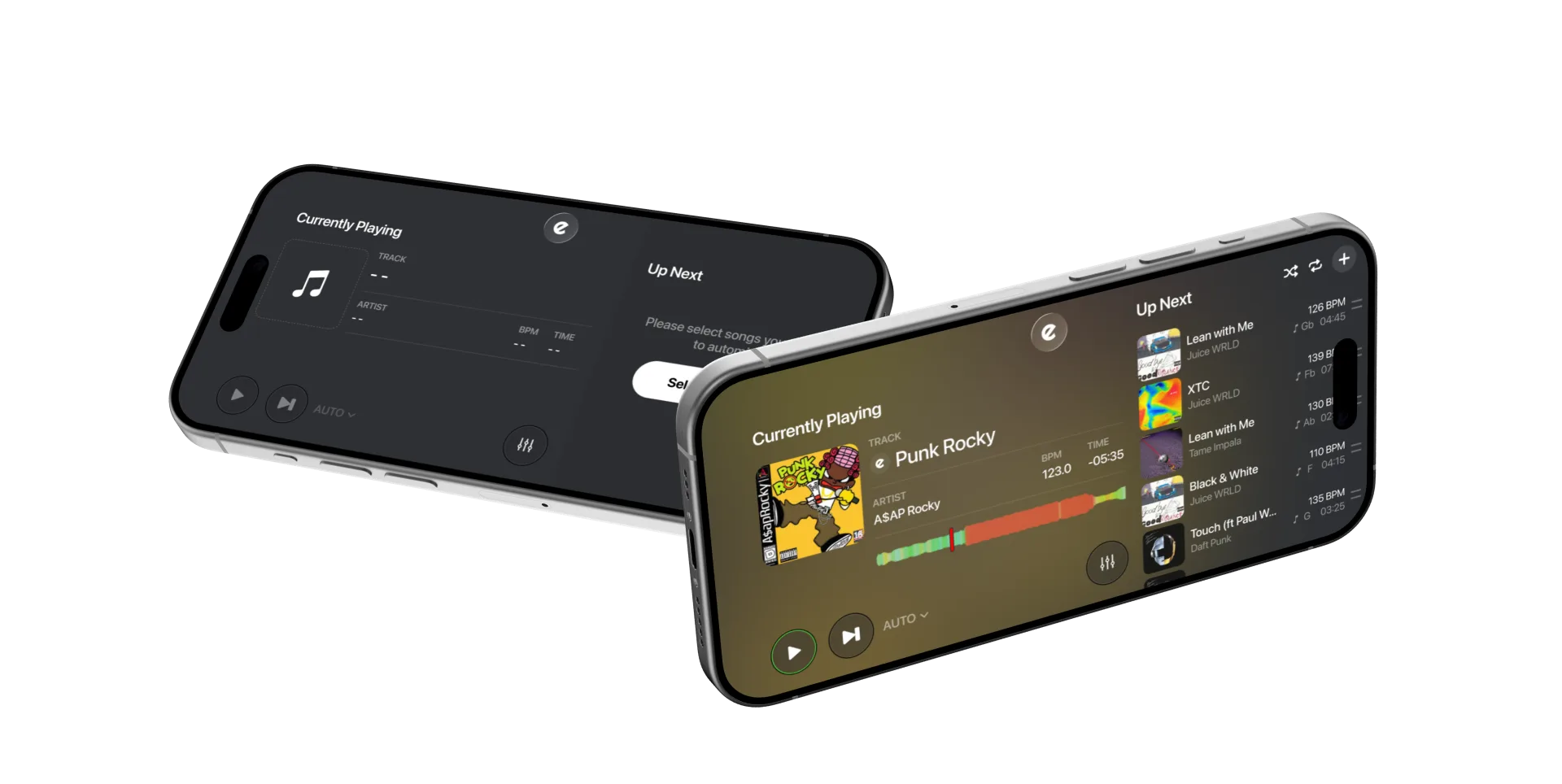
Choose the music and let Automix handle playlist transitions.
Workouts and runs
Build a continuous mix from your own supported audio files, then record it and play it back anywhere.
Mashups and remixes
Use supported tracks to put a vocal over another beat with Stemz, loop a section and add effects. Record your mashup when the source allows it.
Learning to DJ
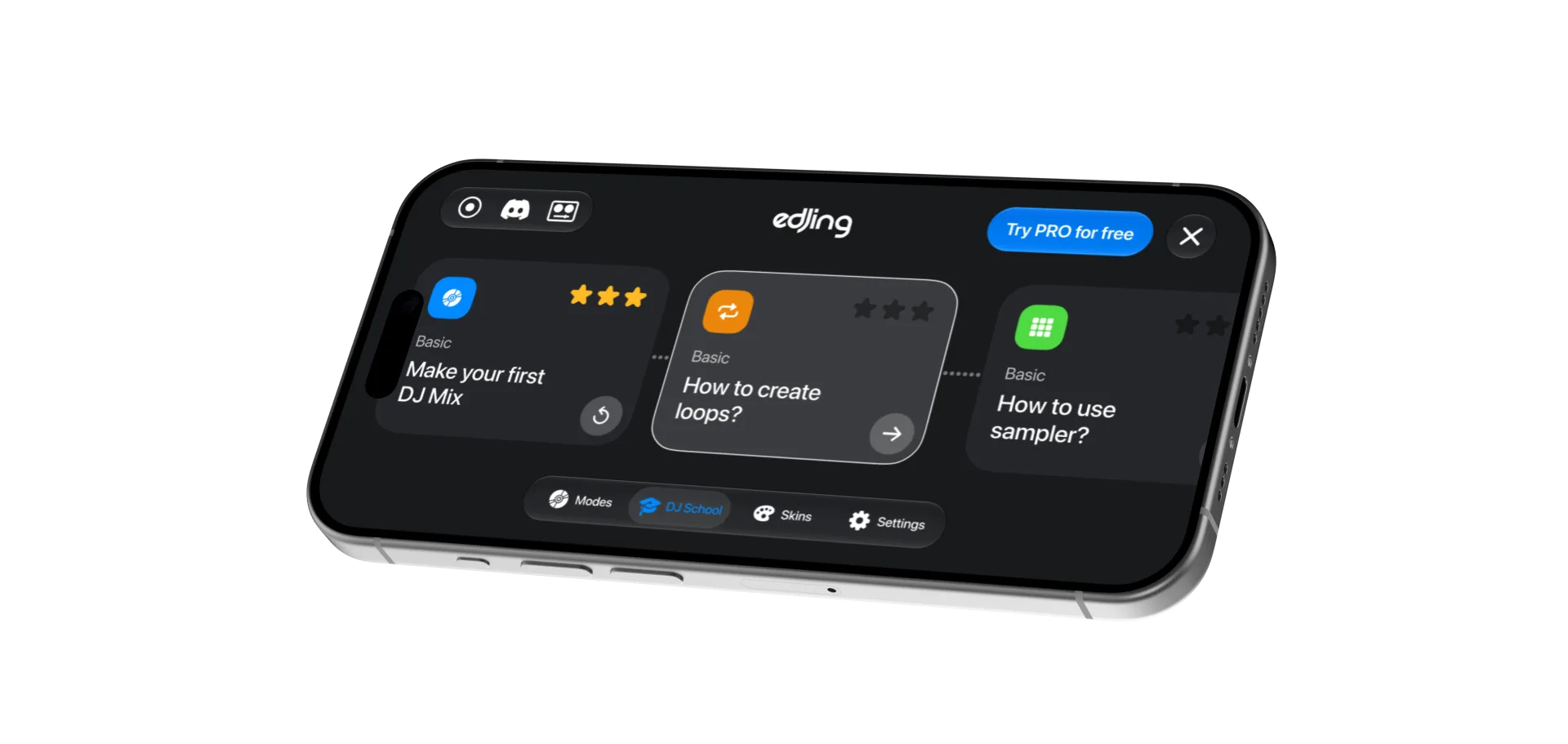
Develop your technique with built-in DJ School lessons and practical mixing guides.
Build your DJ technique
Use BPM detection and Sync to align the tempo, then shape the transition with EQ. Add loops, hot cues and effects as your technique develops. Record sets from supported files to review your performance. Feature access depends on the in-app offer.
Which music services work with edjing Mix · How to mix two songs together
Questions & answers
Frequently asked
Is it free?
Start mixing for free with supported tracks. Music sources are included; service subscriptions are separate. Additional tools are available through the in-app offer. Explore Pro features.
Can I mix songs from Spotify?
Yes, with a Spotify Premium account. No paid edjing Mix subscription needed. How the Spotify integration works. Feature availability may vary by country.
Which songs can I mix?
Supported audio files stored on your phone without DRM protection, and tracks available through the streaming services connected to the app. Songs downloaded inside another streaming app cannot be loaded.
Does it work on Android and iPhone?
Yes, and on iPad and Android tablets. Download.
Can I save the mix and send it to friends?
Yes, with supported, recordable audio files. Record your set, then share it from the app. Spotify tracks cannot be recorded; other sources may also restrict recording. Access and audio format depend on your version and offer. See the recording guide.