
edjing Mix for iOS
The DJ app for iPhone and iPad.
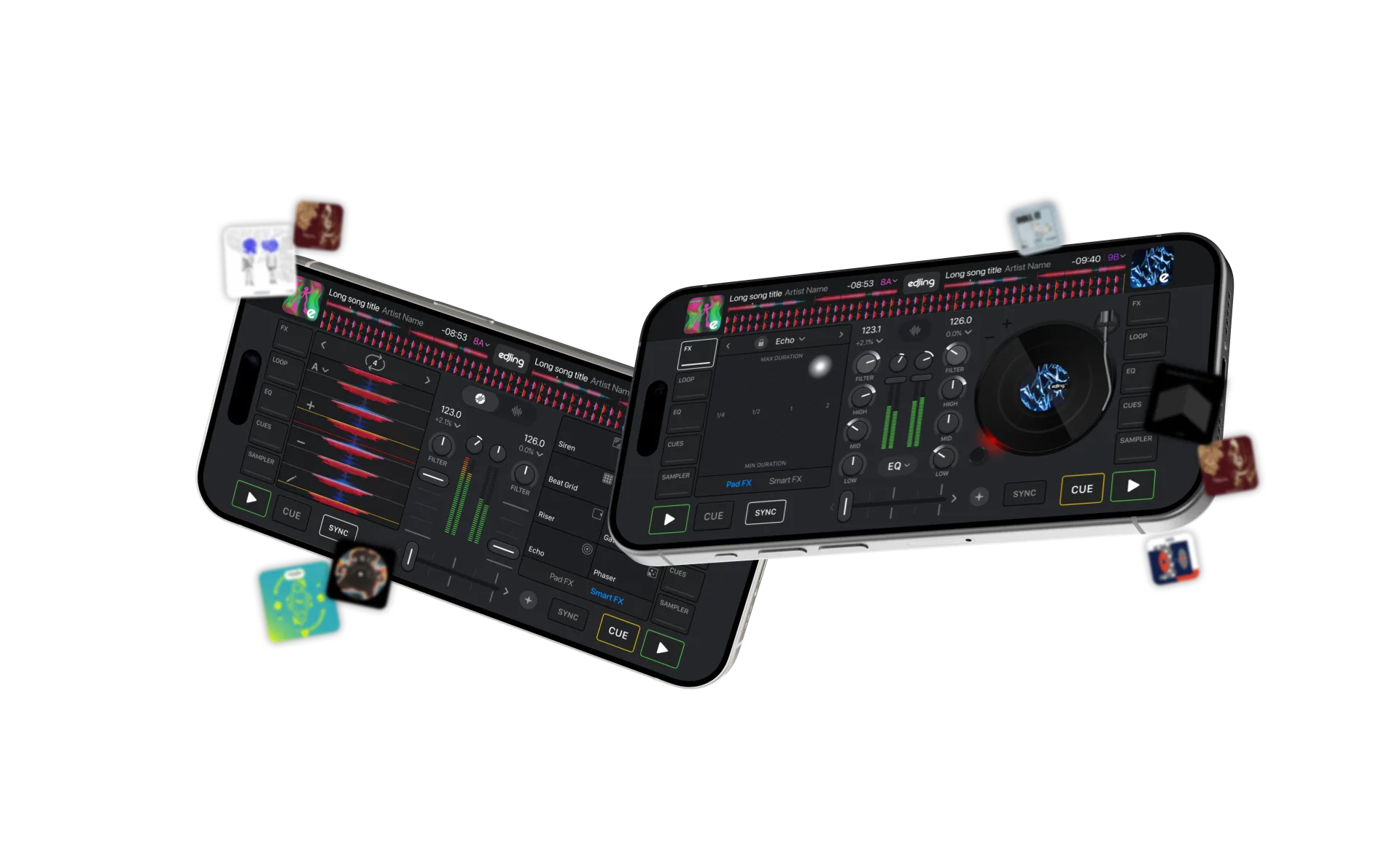
Mix on iPhone and iPad with two decks, streaming sources, Stemz and effects. Control your transitions, build live mashups and record supported tracks.


What you get on iOS
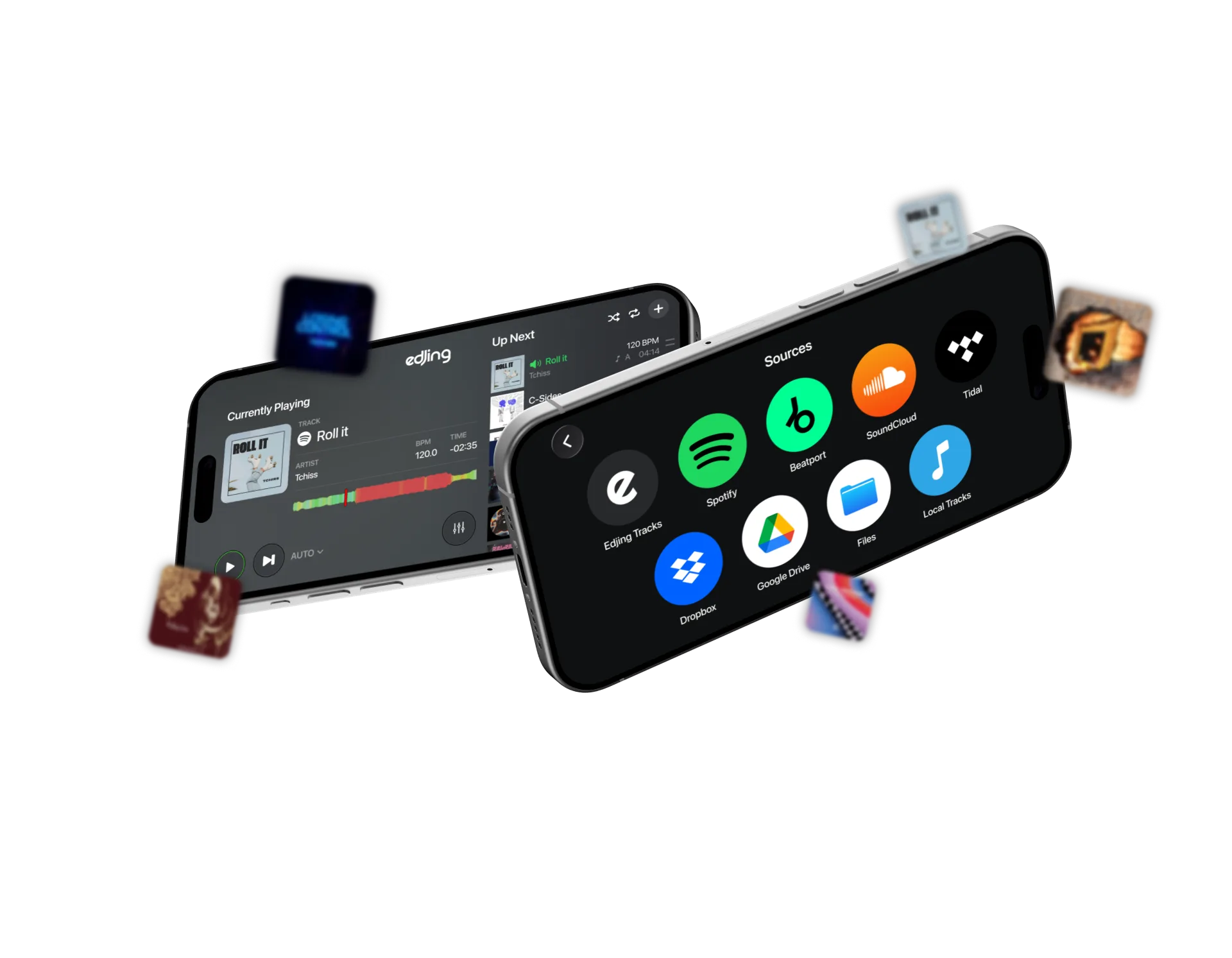
Streaming and local music
Connect Spotify, SoundCloud, TIDAL, Beatport, Dropbox and Google Drive, or load tracks through Files. Sources are included in the free app; service requirements apply.
Sync and BPM
Detect tempo automatically and align the decks with Sync while you control the transition.
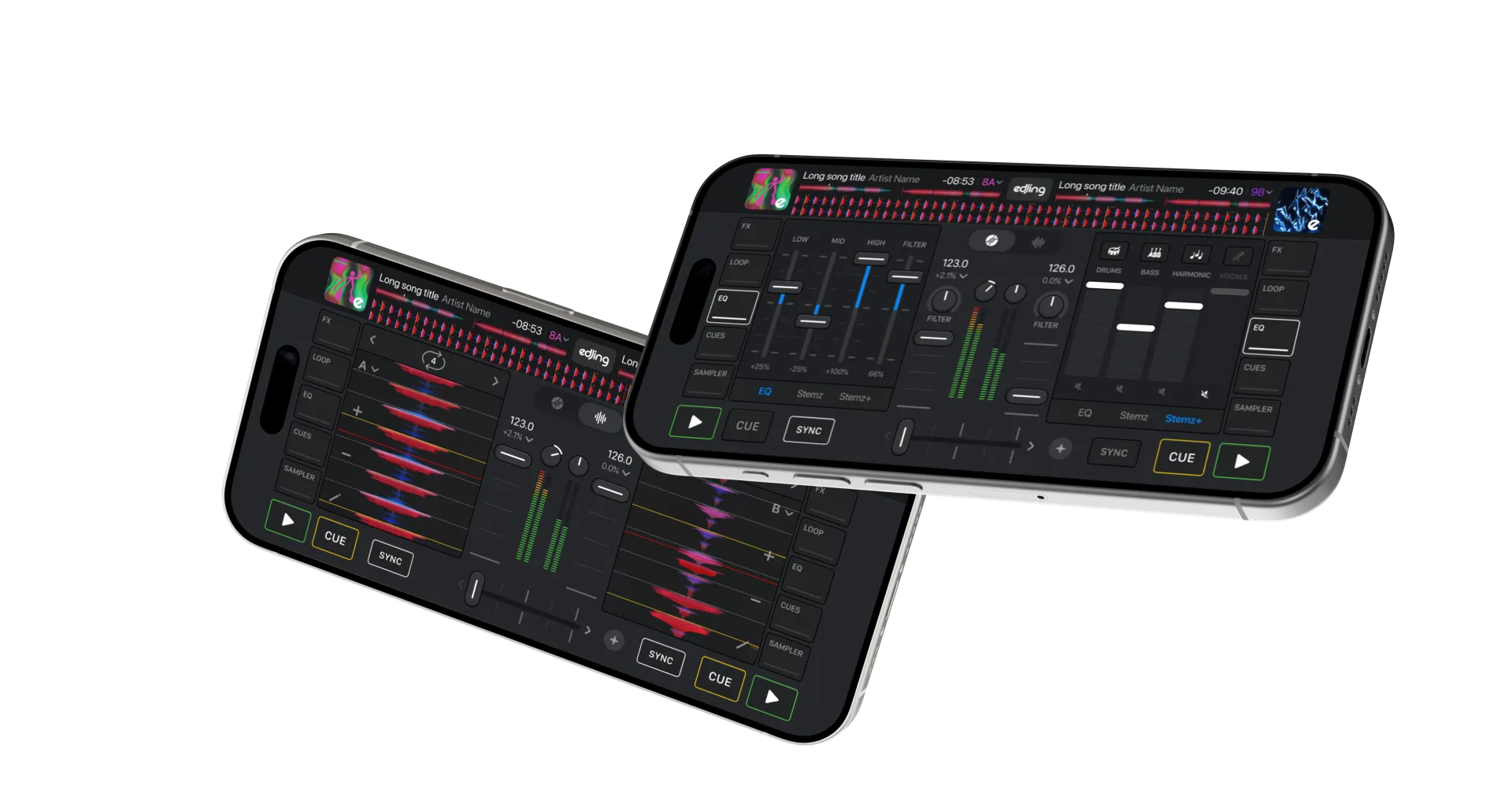
Stemz
Isolate vocals and instruments on supported tracks. Adjust stem levels for transitions and live mashups.
20+ effects, loops, sampler
Echo, Flanger, Reverse, Filter and more. Loops from 1/64 to 128 beats. A sampler for drops.
HD recording
Record your set and share it. Audio format depends on your recording settings.
Controllers
Plug-and-play support for compatible MIDI controllers from Pioneer DJ, AlphaTheta, Hercules, Numark and Reloop.
On iPad
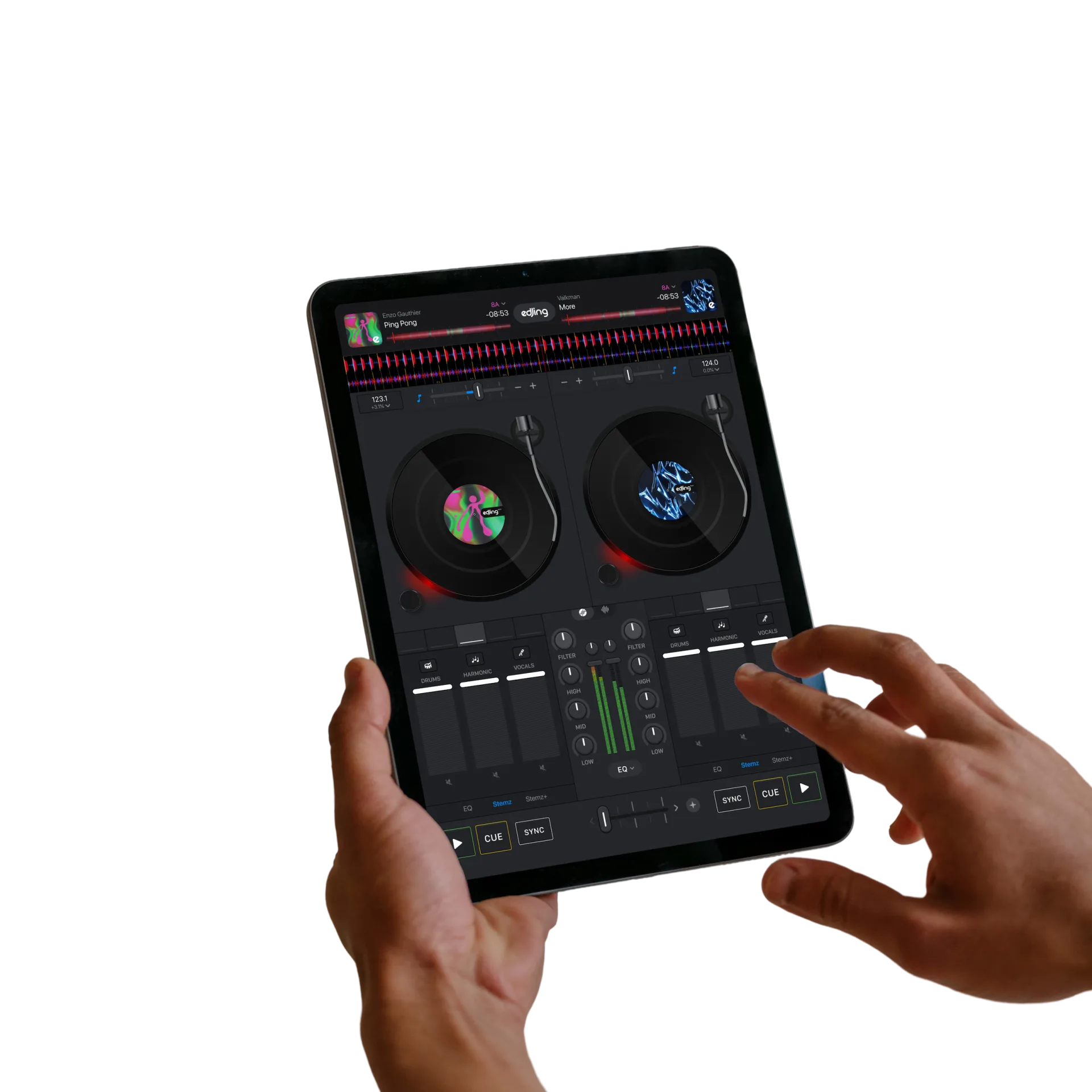
In landscape, the iPad layout puts both decks, the three-band EQ and the library side by side.
- Full-width waveforms for precise cueing
- Library and decks visible together, no switching
- Works with external speakers over Bluetooth or the USB-C port, and with a controller
Why edjing Mix on iPhone
Launched in 2012, edjing has reached 250M+ downloads across its app family. edjing Mix holds an Editors’ Choice badge on the French App Store and a 4.6 / 5 rating from 209K+ ratings on the US App Store (September 25, 2026).
Compare mobile DJ apps: edjing Mix vs djay.
Questions & answers
Frequently asked
Does edjing Mix work with Apple Music?
Apple Music streaming is not currently available. Use supported streaming services or load your audio files from the device, Dropbox or Google Drive.
Does it run on my iPhone?
It needs iOS 18.6 or later, on iPhone and iPad.
Where can I get help with an App Store purchase?
In edjing Mix, open Settings › Manage Subscription. Tap Restore Purchase to restore an existing purchase, or Contact us for purchase support. Use the Apple Account associated with your purchase. Full purchase help.
Can I use edjing Mix on a Mac?
The current App Store listing does not list Mac compatibility. Open the edjing Mix listing in the App Store on your Mac to check current availability and requirements. Running iPhone and iPad apps on Mac requires Apple silicon and availability enabled for the app. Mac and other platforms.