


Guide · Your first transition
How to mix two songs together on your phone
Make your first transition in edjing Mix. Load two tracks, match their tempos and blend between the decks in six steps.
On this page
What you need
- A phone or tablet with edjing Mix installed (free).
- Two familiar tracks with steady beats and similar tempos. Choose instrumental intros or outros for a clearer blend.
- A speaker or headphones to hear the main mix. Private headphone cueing requires a compatible setup with separate audio outputs.
Your first transition
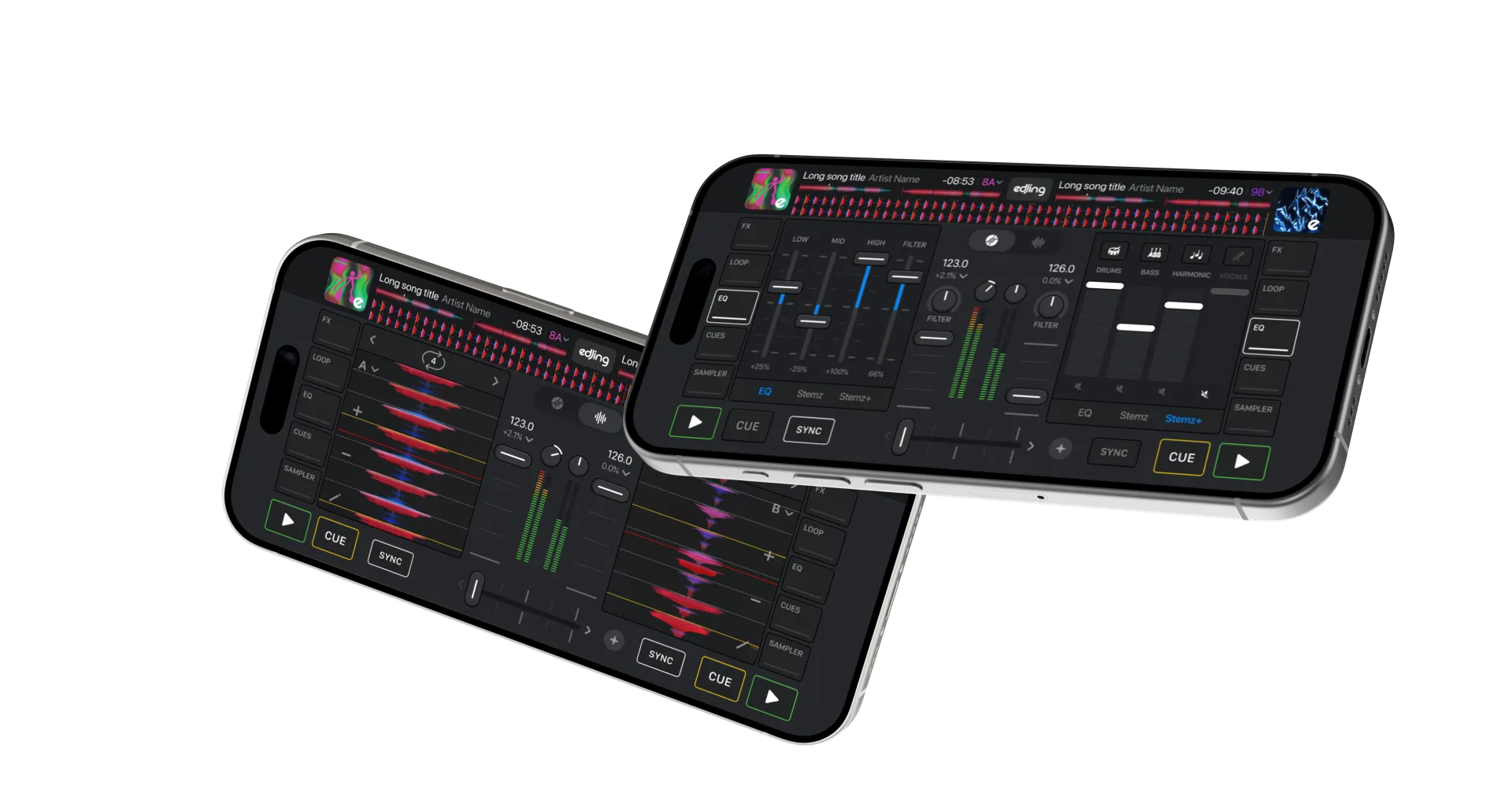
Load deck A
Open deck A’s library and load your first track. BPM shows its tempo in beats per minute.
Prepare deck B
Load the second track onto B. Locate a clear entry point, such as the first beat of an instrumental intro. Check its level against A, then pause it at that point.
Play the first track
Move the crossfader fully towards A and start playback. Only A should be audible in the main mix.
Match the tempo
Use Sync on B to help match A’s tempo and align the beats. Keep the crossfader towards A while preparing the transition.
Start the incoming track
Start B at your chosen entry point as A reaches a phrase boundary. For example, overlap B’s intro with A’s outro. Listen for aligned beats as you bring B into the mix.
Blend from A to B
Move the crossfader gradually towards B over the chosen passage. Reduce A’s low EQ if the basslines compete. Once only B is audible, stop A and reset its EQ for the next track.
Common mistakes
Large tempo changes
Large speed adjustments can change a track’s character. Start with similar tempos and listen to the result after syncing.
An abrupt handover
For this exercise, move the crossfader gradually across the overlap. A fast cut is a separate technique, useful for a different result.
A mistimed entrance
Start B at a planned phrase boundary. Set a hot cue at its entry point to repeat the transition.
Two basslines at once
Reduce the outgoing track’s low EQ as the incoming bassline takes over. Avoid a sudden increase in bass during the overlap.
Questions & answers
Frequently asked
Can I mix two songs for free?
Yes. Use the free mixing tools with supported tracks on your device. Optional advanced tools may require a purchase.
Does this work on iPhone and Android?
Yes. The two-deck workflow applies to both versions of edjing Mix; control layouts may differ.
Can I mix Spotify tracks?
Yes, with Spotify Premium and an internet connection where the integration is available. Explore Spotify in edjing Mix.
How do I choose tracks that mix well?
Start with similar tempos and compatible keys. Choose passages whose rhythms and vocals leave room for each other.