Choose the tracks
Build a collection that fits your audience, setting and style.



Guide · Discover DJing
DJing combines track selection, timing and mixing to create a set. Learn what a DJ does and the tools behind the performance.
A DJ, short for disc jockey, selects and mixes recorded music for an audience. Three skills shape the performance:
Build a collection that fits your audience, setting and style.
Decide when to introduce a track and how long to let it play.
Use timing, levels and EQ to shape each transition.
In a club, at an event or on the radio, the DJ adapts the selection and pacing to the audience.
A DJ set is a sequence of tracks performed live or recorded. The DJ controls each track’s starting point, duration and transition into the next.
Track order shapes the energy. Try this three-track sequence:
Open with a track that establishes the groove.
Follow with a stronger rhythm or fuller arrangement.
Bring in a recognisable hook or chorus.
Tempo is only one part of that progression. Vocals, rhythm and arrangement also influence a track’s energy.
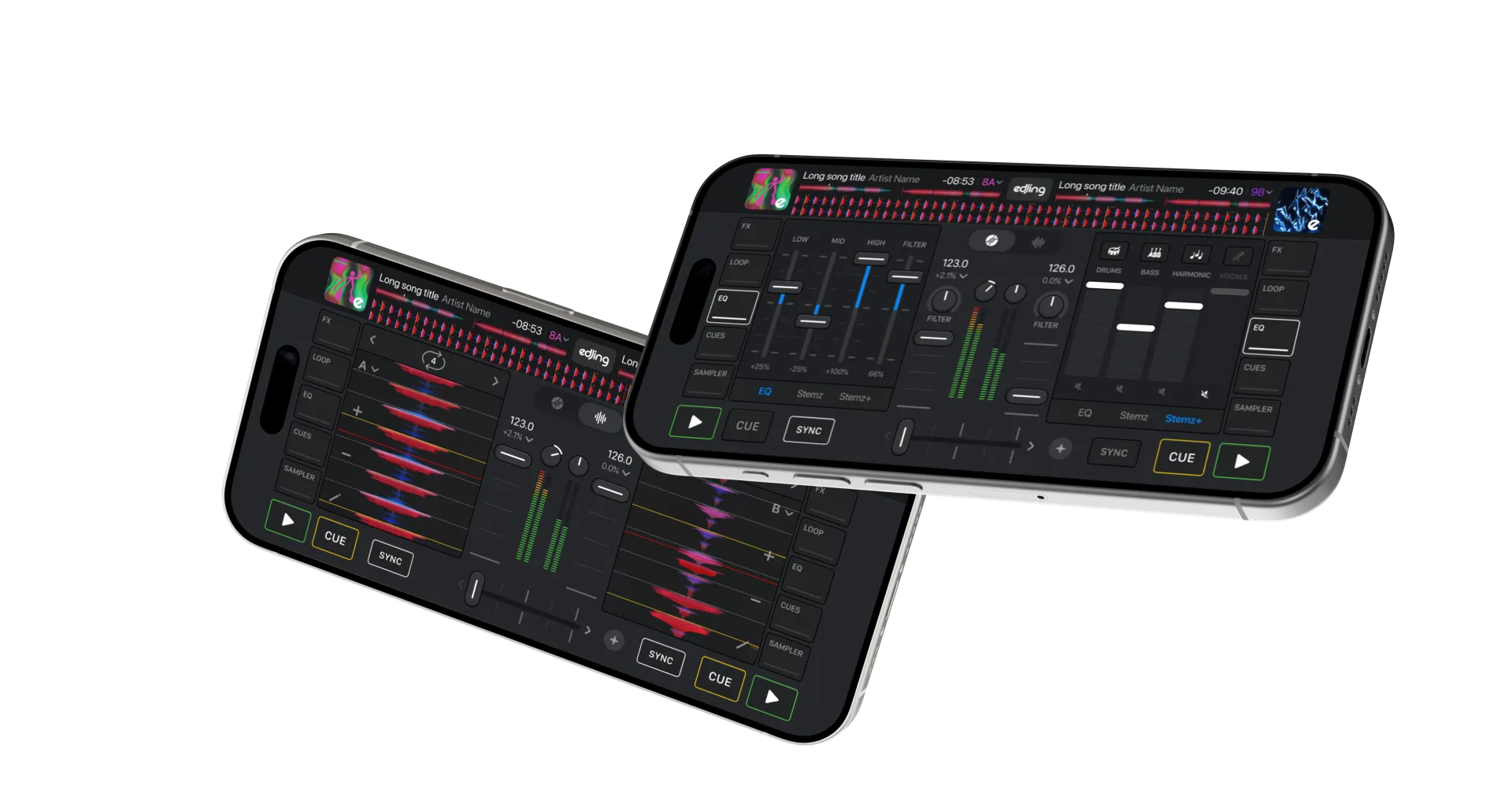
A deck plays a track. Two decks let you prepare the next song while the current one plays. The mixer controls their levels and sound.
edjing Mix brings these controls to your phone: a crossfader to blend the decks, tempo controls to adjust speed, EQ to balance frequencies and Sync to help align beats.
Start with your phone and supported music. For equipment and headphone cueing, see the mobile setup guide.
DJ mixing connects tracks through blends, fades or cuts. The technique depends on the music and the transition you want.
A mashup combines parts of different songs, such as one vocal over another instrumental. Create a mashup with Stemz →
Music production creates and arranges recordings. DJs can also be producers, but you do not need to write music to DJ.
Choose three familiar tracks. Identify their intros, vocal entrances and breaks, then test two running orders.
Pick a pair and mark where the second track should enter. Aim to move between them without a sudden change in volume.
Questions & answers
Yes. edjing Mix provides decks and mixing controls to practise track selection, timing and transitions on your phone.
No. Start with track selection and simple transitions. Understanding tempo, bars and phrases helps you progress.
No. DJs mix across genres, including hip-hop, pop, rock and electronic music. Choose transition techniques that suit the tracks.
Follow the first-transition guide, then develop your technique with timing, EQ and loops.