iPhone and iPad
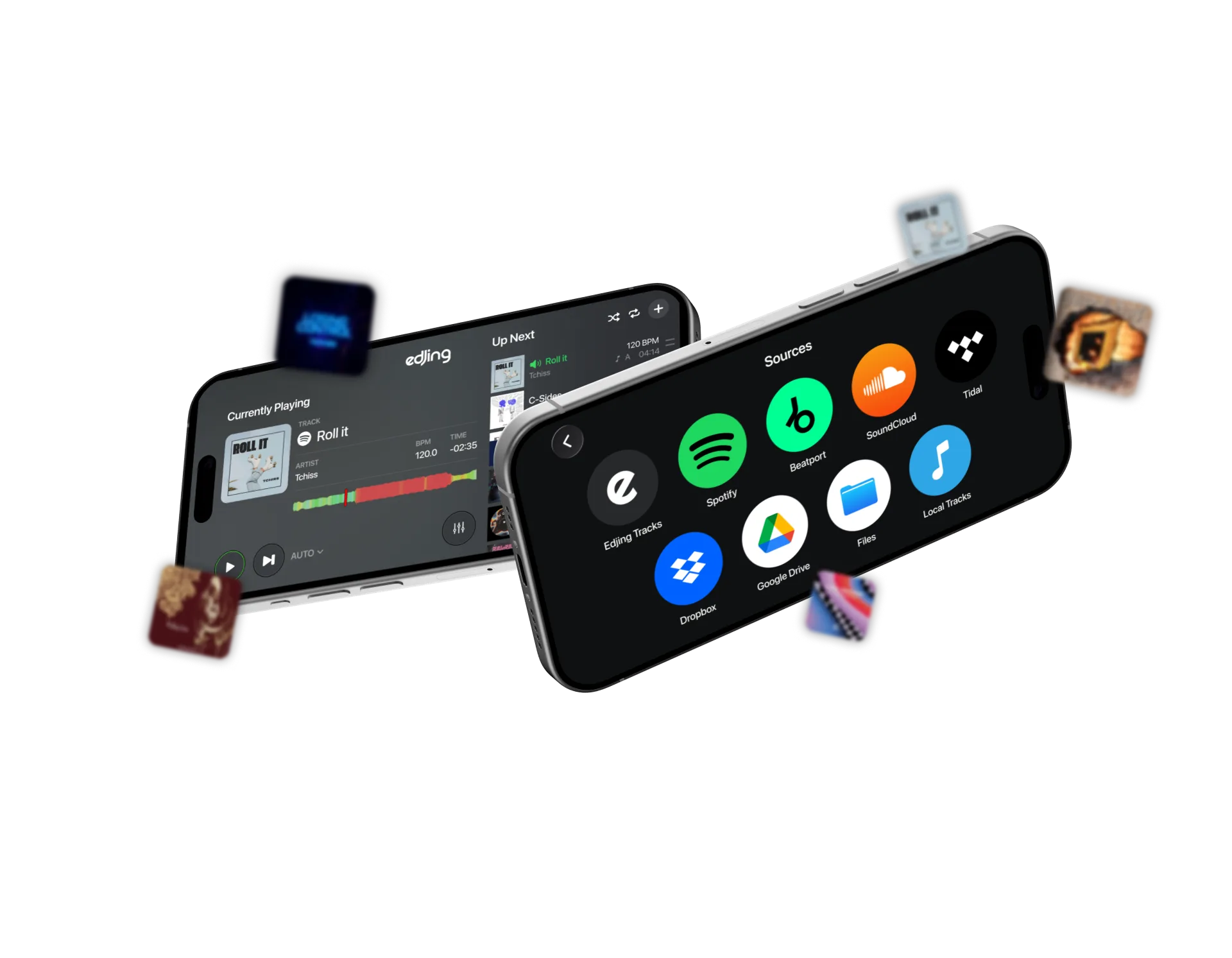
For tracks stored in Files or cloud storage, make sure the audio files are accessible.



Guide · Prepare your first session
Set up edjing Mix on iPhone or Android. Connect your music, check your audio output and prepare both decks for your first mix.
Install edjing Mix from the App Store or Google Play. The touchscreen gives you access to the decks and mixer; no controller is required.
Choose two familiar tracks with a steady beat and similar tempos.
For tracks stored in Files or cloud storage, make sure the audio files are accessible.
Allow audio access when prompted to use music stored on your device.
edjing Mix is free to download, with optional paid features. Streaming subscriptions are separate.
Play a track through your phone’s speaker, headphones or an external speaker. Check the selected output and volume.
Private cueing lets you preview the next track separately from the main mix. It requires compatible audio routing and separate outputs; headphones alone do not provide this setup.
For your first session, you can practise using the main mix.
Each deck plays one track. The crossfader sets how much of each deck you hear.
Load your first track from the library. Move the crossfader fully towards deck A, play a passage and check the sound. Pause the track.
Load your second track and move the crossfader towards deck B. Compare a similar-energy passage and adjust the deck level to match A. Pause the track.
Return both tracks to your chosen starting points. Put the crossfader fully towards A and leave B paused.
With both tracks ready, match their tempos and practise the handover.
Use the service connection inside edjing Mix for streaming tracks. For local files on Android, check the app’s audio permissions.
Check your connection, service account and subscription. For local music, check that the file is downloaded, supported and unprotected. Try another track to isolate the problem.
Check your device’s output and volume, then the deck level and crossfader. If cueing is enabled, confirm that you are listening to the main mix.
Keep the same tracks while practising timing, levels and EQ. Change one setting at a time to hear its effect.
Questions & answers
No. You can load tracks and mix directly with the touchscreen in edjing Mix.
Yes, with supported audio files downloaded to your device. Test them before going offline. Streaming services require an internet connection.
Yes, with Spotify Premium, an internet connection and availability in your country. Explore Spotify in edjing Mix.
Follow the six-step guide to match tempos, start the incoming track and blend between decks.