On iPhone and iPad
Use Share from the recordings list, or Save to Files to keep a copy in a folder.
Choose M4A for compressed audio or the Lossless setting for WAV. WAV files require more storage.



Creative mixing & performance
Record a full set in edjing Mix, from the first track to the final transition. Save the audio and share your mix.
Use your own supported audio files. Spotify tracks cannot be recorded in edjing Mix, including with Spotify Premium.
Check both decks and any Automix queue. A restricted track can block recording even when it is not playing.
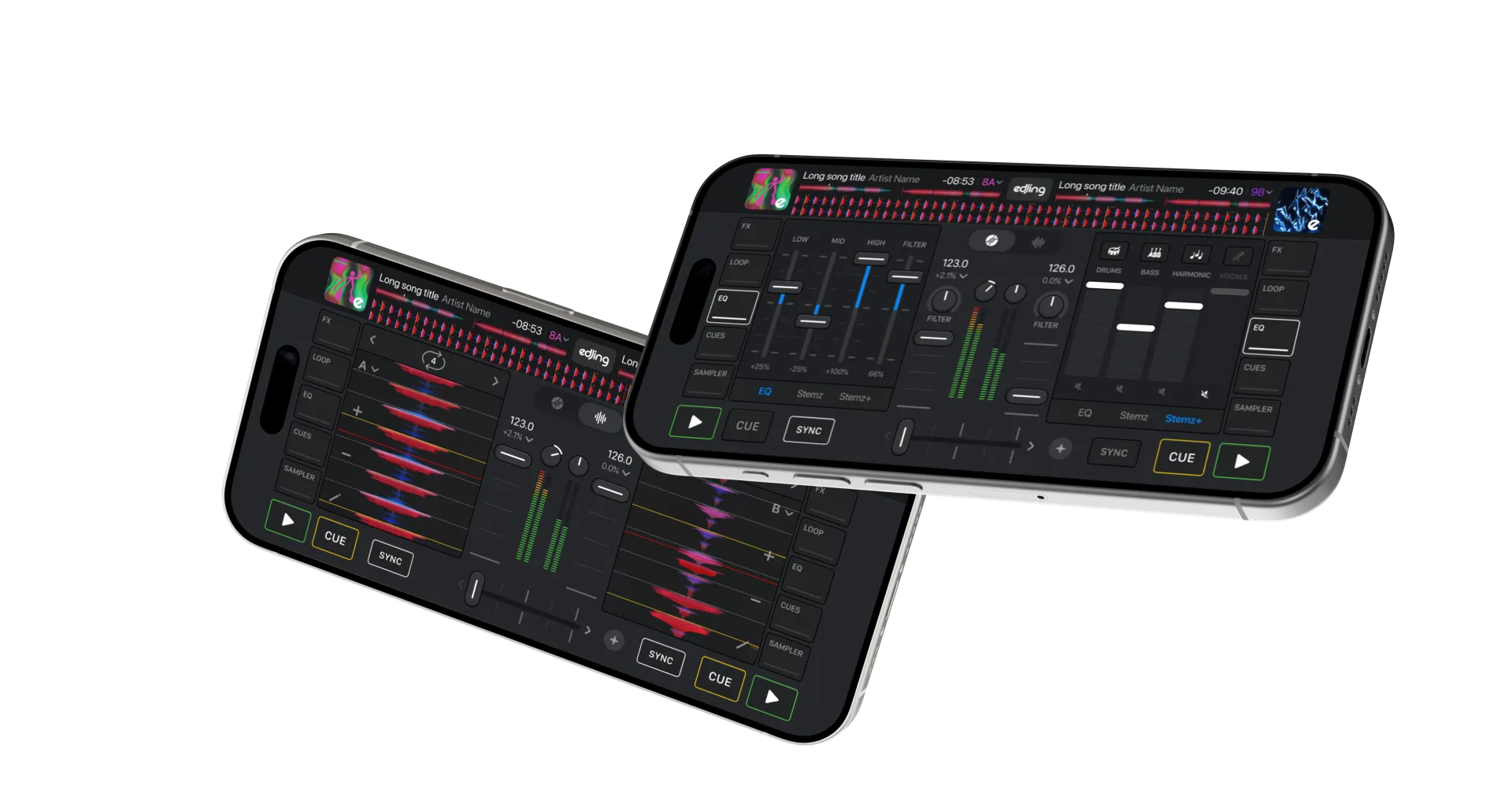
Load a supported audio file onto at least one deck. Replace any restricted streaming track on the other deck before recording.
Compare similar-energy passages from both tracks. Adjust gain and EQ, leaving room for the overlap. Return to your starting points.
Open the recording controls and choose audio if a video option is also available. Start recording and wait for the indicator or timer before playing.
Mix between tracks and load new songs onto the free deck. Recording continues through the transitions and captures the full set as one audio file.
Stop recording when the set ends and confirm if prompted. On iOS, tap the running recording timer to open the stop confirmation. Wait for saving to finish, then play back the result.
Load a supported track onto either deck before starting. Once recording begins, you can change tracks throughout the set.
Replace restricted tracks on both decks and in the Automix queue with recordable files. Streaming subscriptions do not remove recording restrictions.
Check the offer in edjing Mix. If you already purchased access, use the store account associated with that purchase and consult the purchase help below.
Check free storage and the app’s message. Audio interruptions can affect recording. Look for a saved file, then test a short recording before retrying the full set.
Listen for mistimed entrances, volume jumps and overlapping basslines. Choose one transition, adjust it and record another take.
Questions & answers
No. Spotify does not allow recording in edjing Mix, including with Spotify Premium. Use supported audio files.
Yes, with access to recording and a queue of supported, recordable files. Remove restricted streaming tracks first.
No. The recorder captures the mixed output as one audio file, including transitions. It does not export individual decks or stems.
See purchase and subscription help for iOS and Android.