
Explore edjing Mix
Your music. Your performance.
Connect your music, separate vocals and instruments with Stemz, or automate playlist transitions. Explore the tools inside edjing Mix.


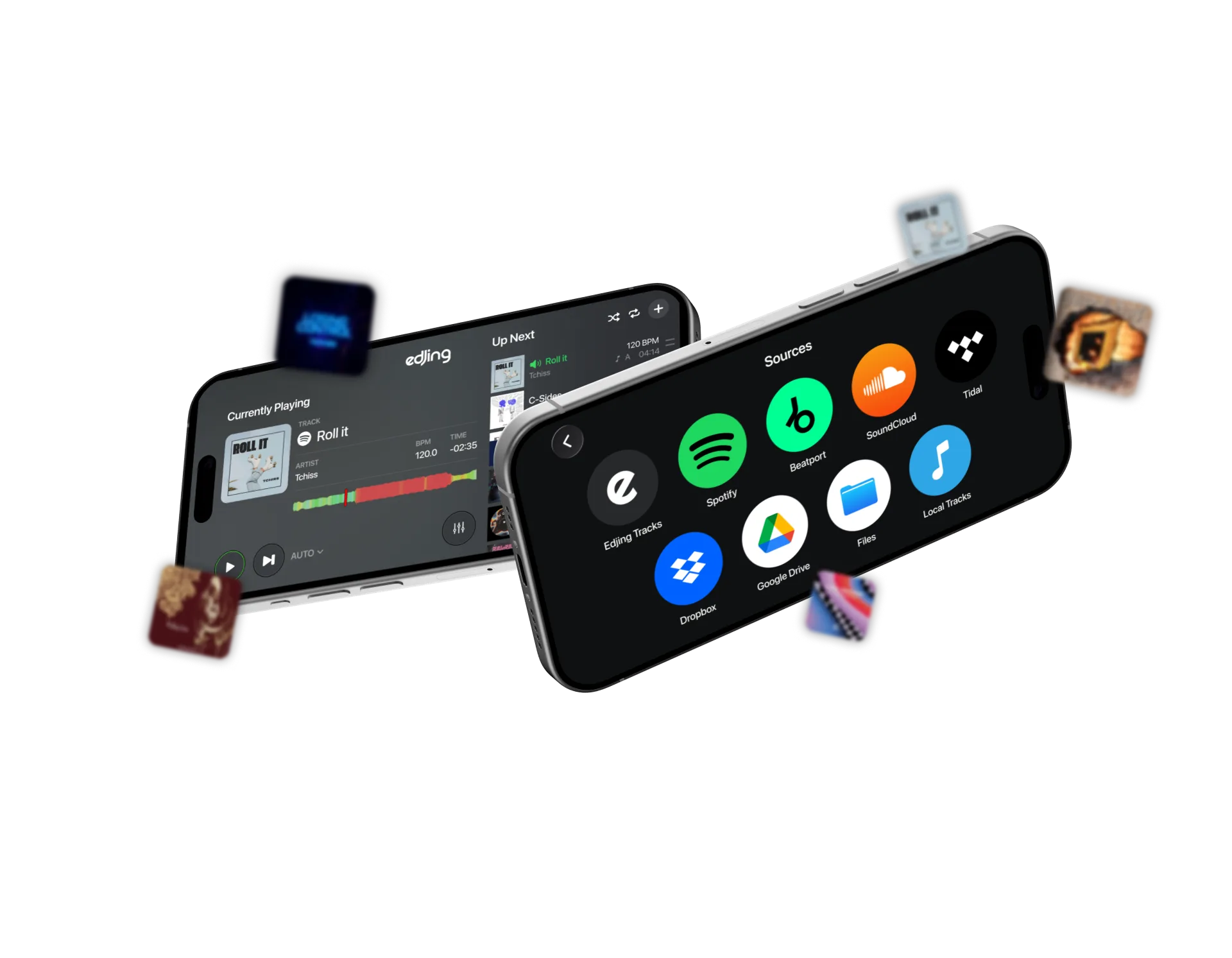
Music sources
Your music, all together.
Access streaming playlists, cloud storage and local tracks from the edjing Mix library.
Connect Spotify, SoundCloud, TIDAL, Beatport, Dropbox and Google Drive. Check account requirements for each service.
Stemz
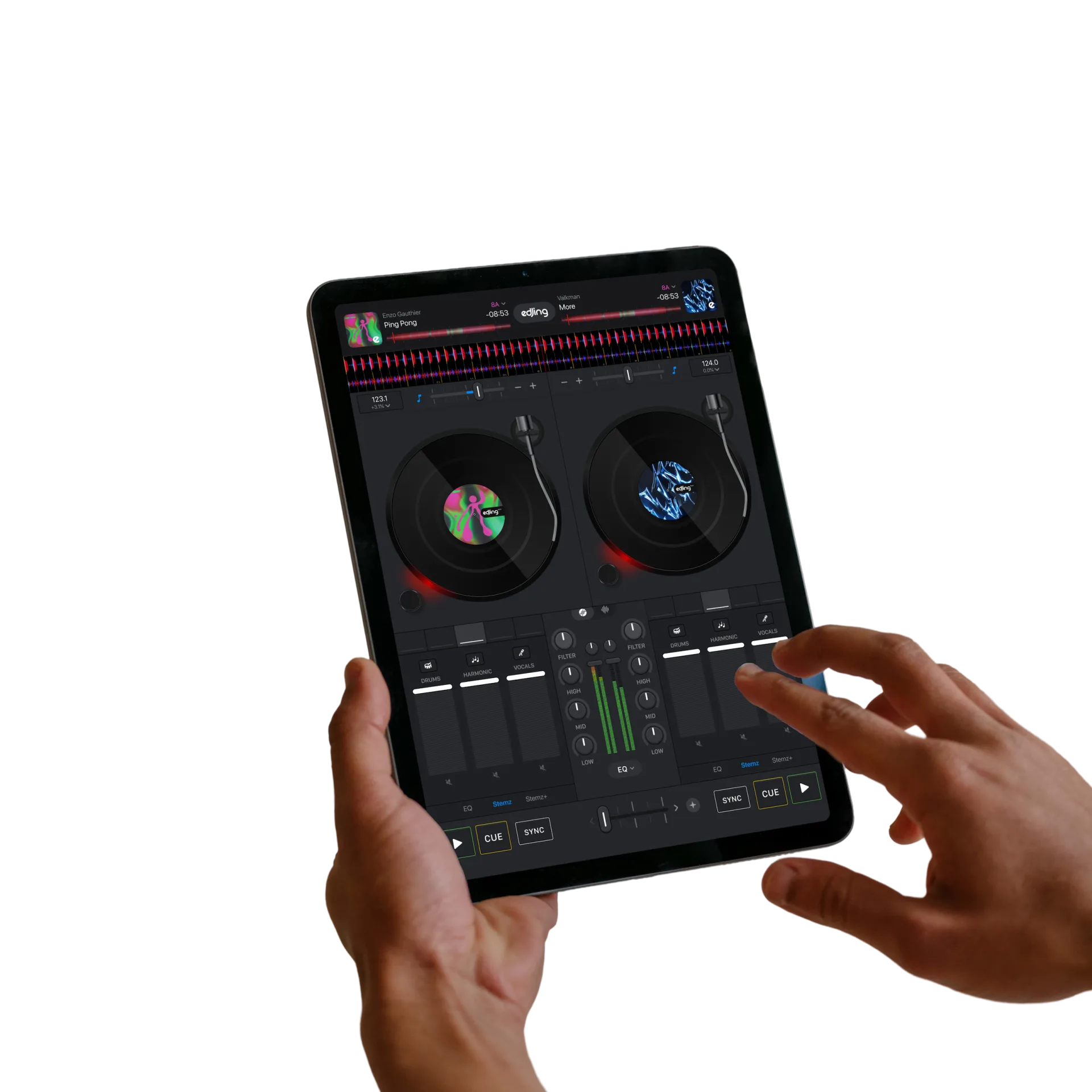
Separate vocals and instruments.
Use AI stem separation to control individual elements of supported tracks while mixing.
Isolate a vocal, mute the drums or combine parts from two tracks in a live mashup.
Automix
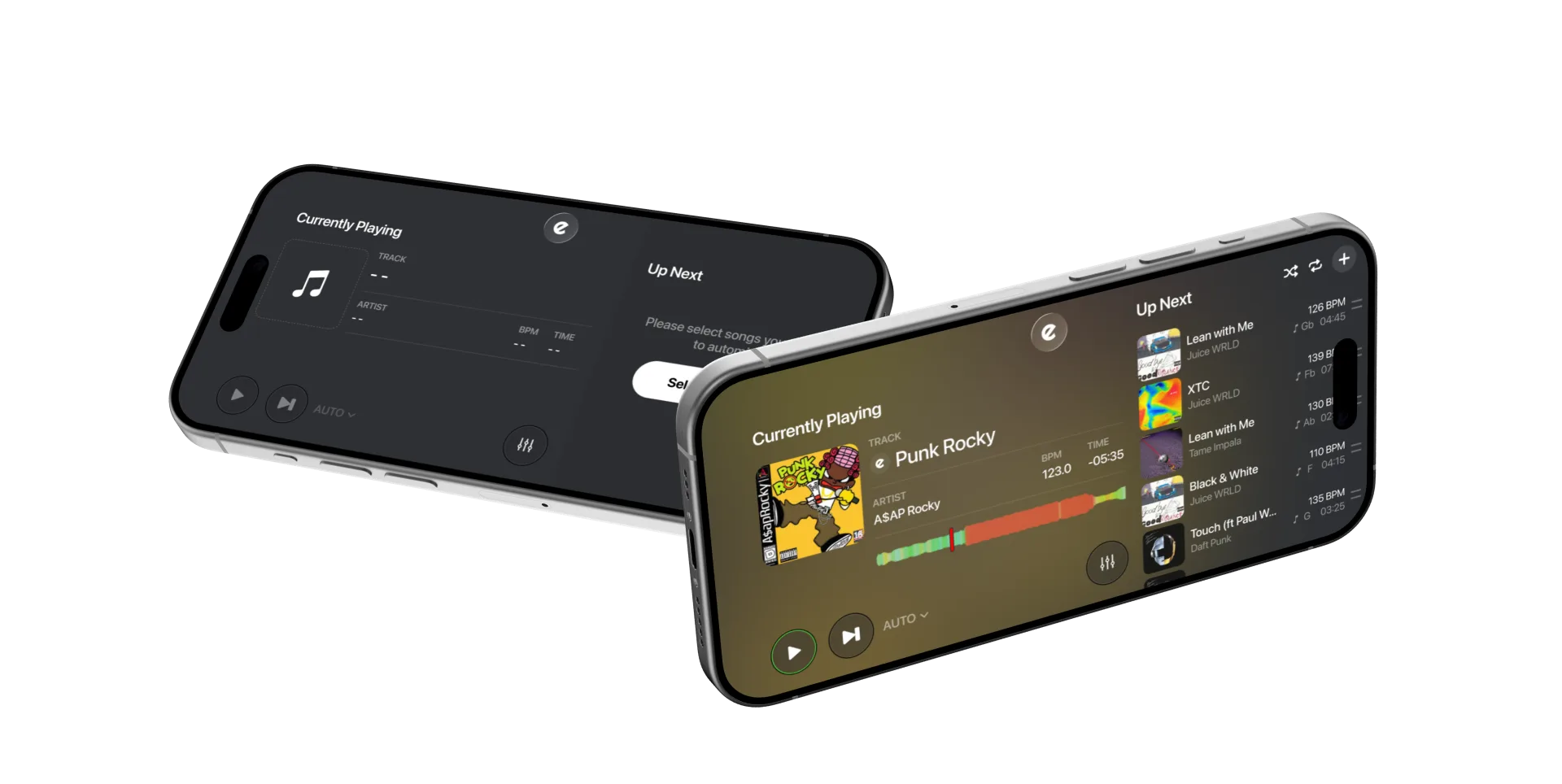
Automatic playlist mixing.
Choose your tracks and let Automix handle the sequence and transitions.
Set the transition duration and playback options available on your device.
Put it into practice
Develop your technique
Practise transitions, harmonic mixing and live mashups with our DJ guides.