Build the queue
Select the tracks and order them for your session.



Automix in edjing Mix
Choose your tracks and let Automix handle the transitions. Adjust the timing and play your playlist as a continuous mix.
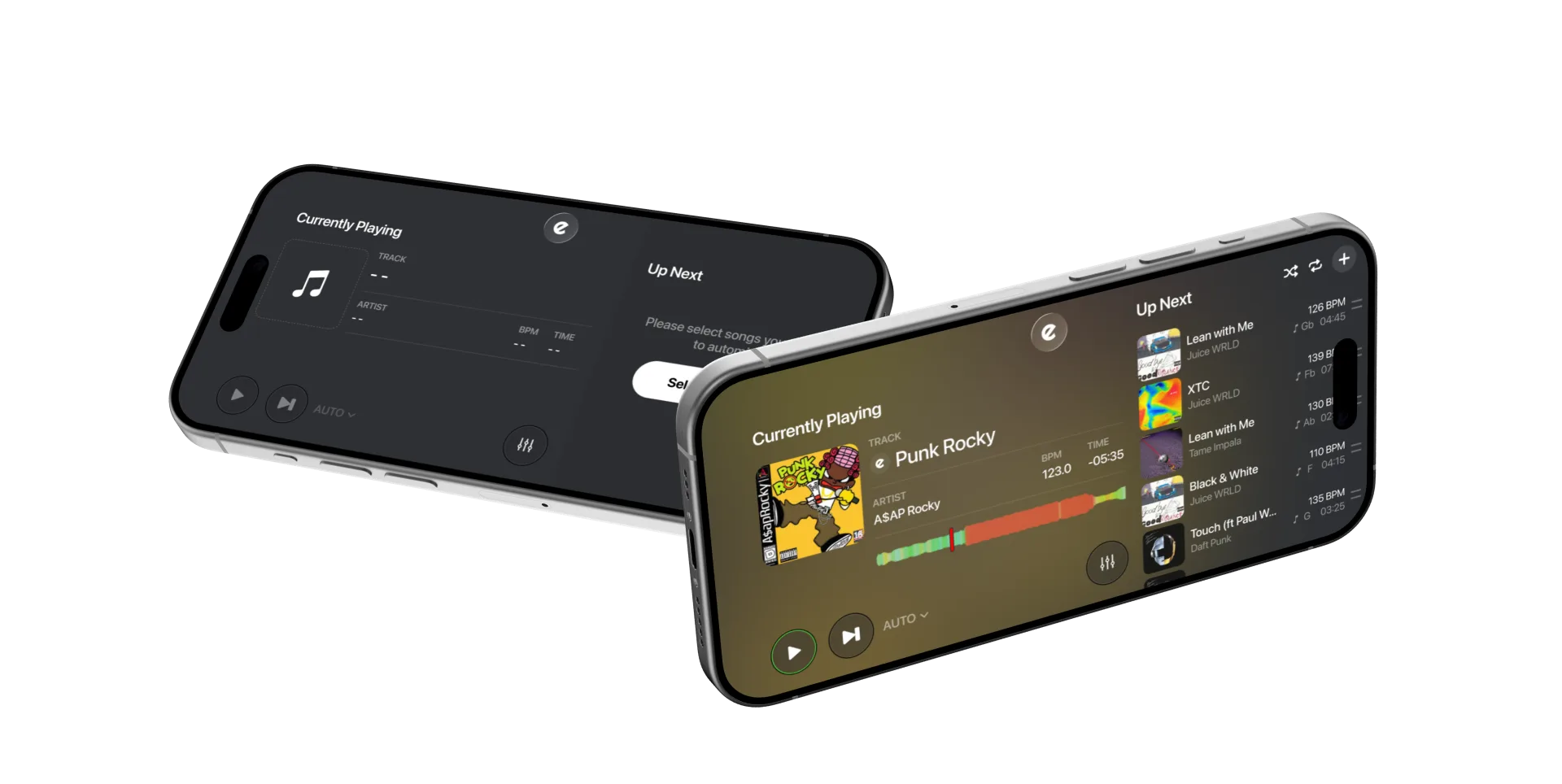
Automix loads and mixes tracks from your queue automatically. Tempo synchronisation helps align the beats during transitions.
Select the tracks and order them for your session.
Choose a shorter handover or a longer blend to suit the tracks.
Let the queue play through, or pause and skip tracks as needed.
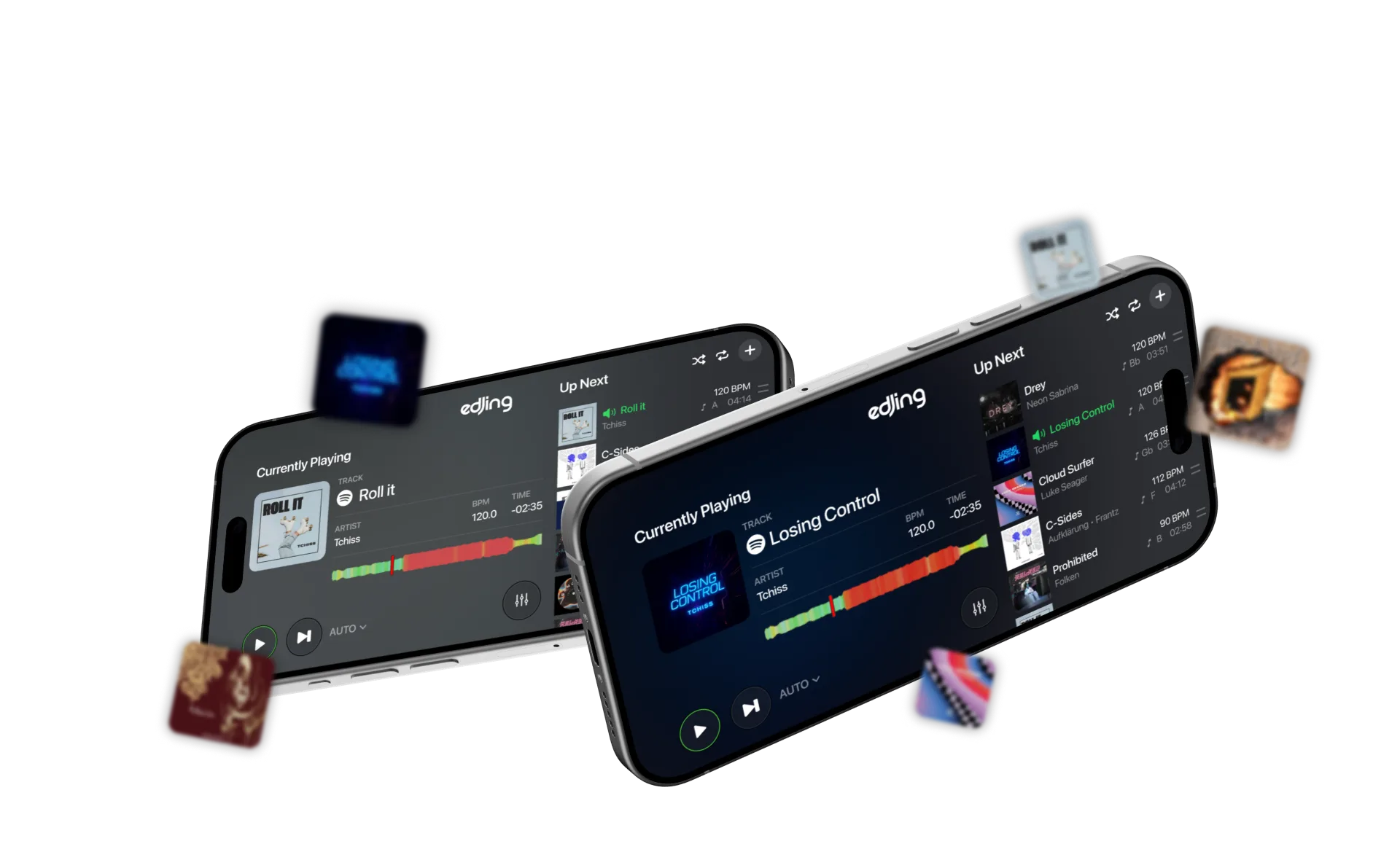
Open Automix and add music from a supported source to your queue.
Adjust the Automix settings to suit your selection, from a short handover to a longer blend.
Let Automix move through your tracks. Pause or skip to the next song whenever you want.
Adjust the transition duration and playback settings. Controls differ between iOS and Android.


Your next move
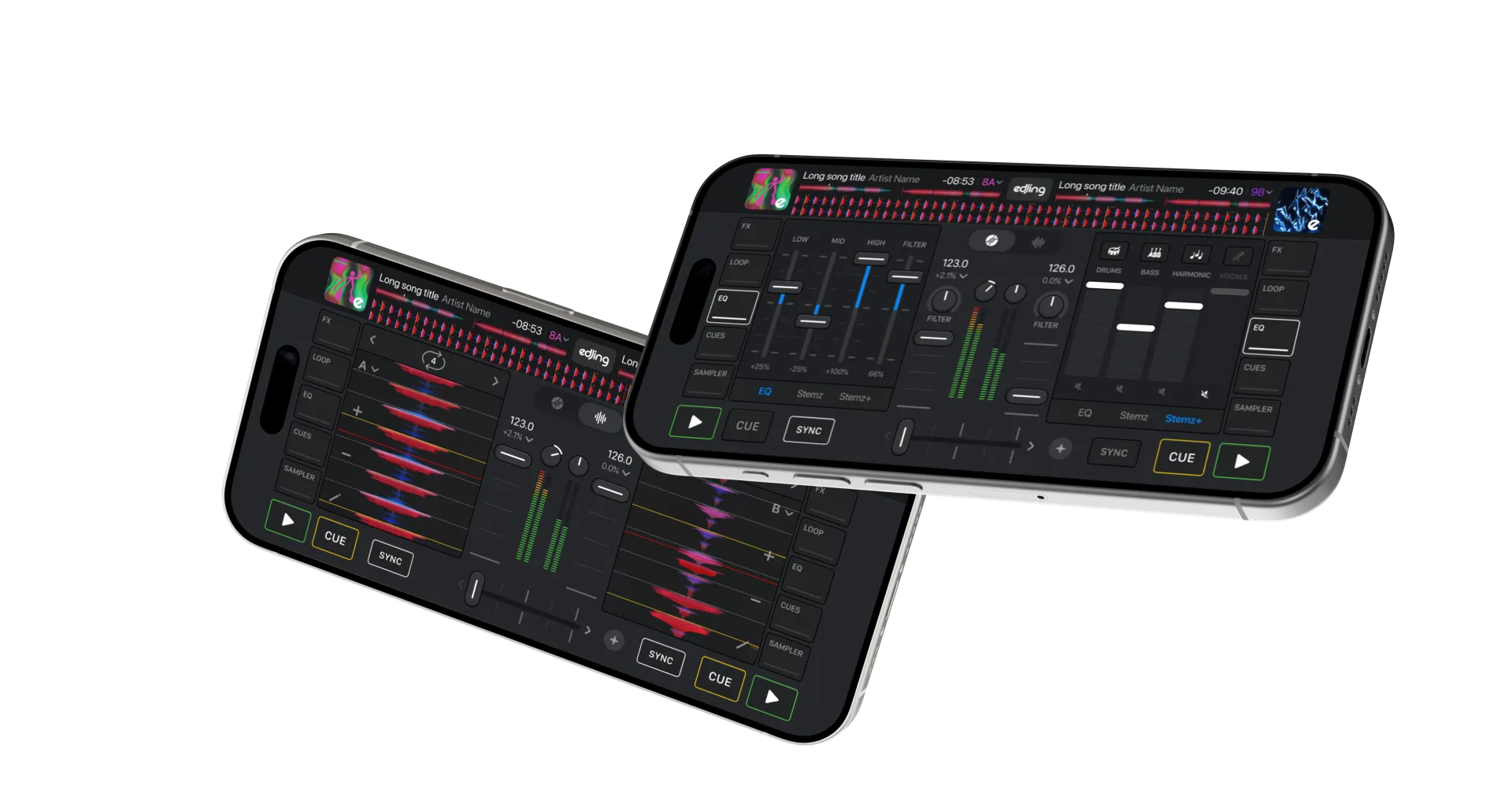
Use manual mixing to choose the entry point, balance the EQ and add effects during each transition.
Sync helps align the decks while you control the timing and blend.
Questions & answers
Automix loads tracks from your queue and mixes between them automatically, using your transition settings.
Sync helps align two decks during a manual mix. Automix also handles the track sequence and transitions.
Yes. Both iOS and Android have Automix transition duration settings. On iPhone and iPad, you can choose an automatic duration or a duration in seconds or beats. Android also lets you set how long before the end of a song the transition starts.
edjing Mix connects to music services as well as your own files. Streaming availability and mixing capabilities depend on the service and your account. An internet connection is needed for streaming. Check the available music sources and their requirements.
The result depends on the tracks, their tempos and their musical structure. Start with songs at similar tempos and listen to the transitions. Shorter or longer transitions can work better for different combinations.
edjing Mix is free to download, with optional access to Pro features. Check the offer shown in the app for Automix access, pricing and subscription terms.