
From edjing Premium to edjing Mix
Rediscover edjing. Meet edjing Mix.
edjing Premium and edjing Pro are earlier apps in the edjing family. Discover edjing Mix, our current DJ app, with Pro features available in-app.


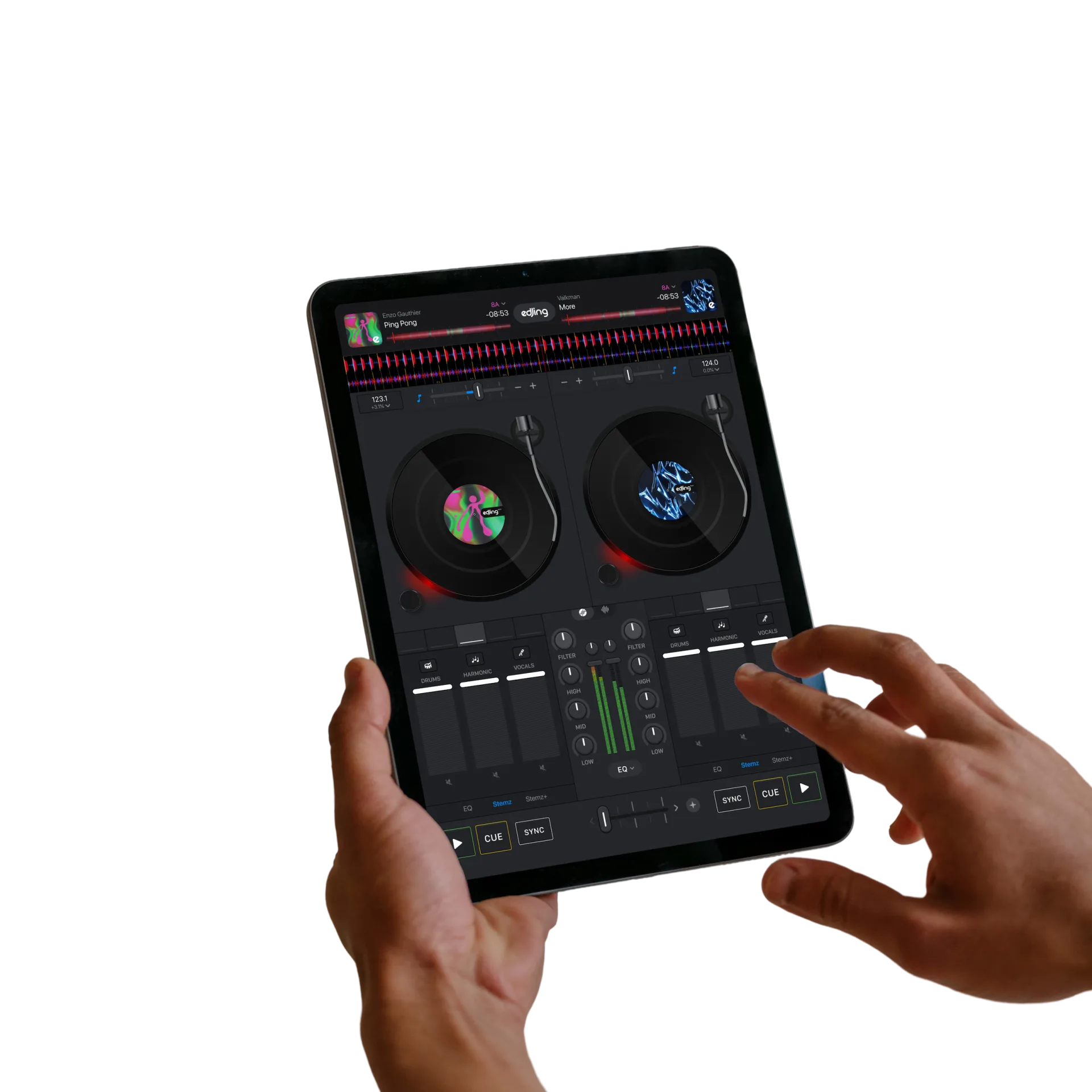
Go further with Pro features
Get unlimited access to all Pro features of edjing Mix and Stemz.
Discover the current offer inside edjing Mix, including the features, price and subscription terms shown before you purchase.
AI stem separation
Separate vocals and instruments with Stemz to build live mashups and shape transitions.
Explore the Pro offer
Review the tools included in the current offer, with pricing and subscription terms shown before purchase.
Music sources are available in the free app. Connected services have their own account and subscription requirements, such as Spotify Premium. Explore music sources →
Earlier names. One current app.
edjing Premium
Premium Edition was a separate, paid edjing app. It is not the name of the current edjing Mix subscription.
edjing Pro
edjing Pro was a separate app with its own interface. The current app to download is edjing Mix.
Pro features in edjing Mix
Pro features are available inside edjing Mix. There is no separate “edjing Mix Pro” app to download.
Use the official store links to download edjing Mix. Modified “edjing Premium APK” or “unlock all” versions are not official releases.
View the offer in edjing Mix
In edjing Mix, open Settings › Store to see the available offer. You can also open Settings › Manage Subscription and tap Subscribe when that button is available. Review the price, billing period and any trial terms before confirming a purchase.
Download edjing MixAlready made a purchase?
Use the Apple or Google account associated with your edjing Mix purchase to check its status and manage renewal.
On iPhone or iPad, open Settings › Manage Subscription › Restore Purchase inside edjing Mix to restore an existing purchase. For Android purchase help, follow the platform-specific steps below.
If you bought an earlier edjing app, check which app appears on your receipt before looking for purchase support. An earlier app purchase and an edjing Mix subscription are different purchases.
Questions & answers
Frequently asked
Is Premium the name of the edjing Mix subscription?
No. Premium Edition was an earlier, separate edjing app. The current offer is described as unlimited access to all Pro features of edjing Mix and Stemz.
Is edjing Pro the paid version of edjing Mix?
No. edjing Pro was a separate app. Today, download edjing Mix and discover its Pro features inside the app. About edjing Pro.
Do I need a paid edjing Mix subscription to access music sources?
No. Music sources are available in the free app. Each connected service has its own account and subscription requirements, such as Spotify Premium. Music sources.
I bought an earlier edjing app. Where should I start?
Check the app name and store account on your receipt. See the earlier edjing apps page to identify your edition, and the purchase help page for support.